Difficult design direction decisions (Part 2)

OK, I’ll now try and expand on each of the game areas I outlined in the previous post, first let’s look at the core sandbox stuff:-

Construction mechanic

This is the absolute meat of the game experience, and if it isn’t right, the rest doesn’t really matter.  I’m happy with the way you build by putting parts together in the first person view, I do think it feels natural and intuitive.  So I’m definitely going to stay with this approach, but there are many problems with it currently, such as (among others):-

  • Positioning parts is awkward, it’s hard to tell where a part will attach, and hard to make small adjustments to positioning.
  • Orientating parts is difficult – the rotation controls are tricky, and the orientation auto-snapping can go crazy and flip awkwardly, particularly if there are multiple contacted parts.
  • Once a part is attached, you can’t adjust it’s position without detaching it and reattaching.
  • When detaching a part, it breaks all connections to that part, i.e. you can’t choose to break only one connection.
  • When attaching parts that connect with joints rather than rigidly (e.g. blocks to axles), and if there are multiple attachment points, then you have to put the parts together in a certain order otherwise not all joints will be created.
  • It’s possible to attach parts which results in them inter-penetrating.

My plan is to scrap the current implementation which uses contact points calculated when the player touches one part to another to determine attachment positioning and orientation.  Instead, I think I’ll use the contacts only initially to determine which two parts to consider for attachment and then switch over to a different control scheme to actually position the part.  The details of this I still need to work out.

Player controls and behaviour

This area considers all aspects of the player interaction other than the core construction mechanic.  As such it is secondary to the construction mechanic, but still very important.  Specifically, we’re talking about the following:-

  • Controls (walking, running, crouching), these have to feel “right”, things like weighting, speed and acceleration are important here.
  • First person camera (response to impact, jumping, camera bob / sway, mouse smoothing and acceleration), the current FP camera is very basic and “dry”, it doesn’t have the organic feel you’d expect in a decent FPS.
  • Interaction with physics – players should move things when they bump into them, and player weight when standing on objects should have an effect.
  • Construction tool.  Currently there is nothing to give a sense of agency for the player, of course in an FPS you’d typically have an arm holding a gun in front of the camera, I need some equivalent of this.  It would be difficult to make the players arms convincingly appear to directly hold the parts they pick up, so in place of the usual FPS gun I think I need some kind of beam effect manipulator tool (much like the physics gun in Garry’s Mod).
  • Health / death state, in sandbox mode this isn’t strictly necessary but will be needed later to support other game modes.

Networked multi-player

Although you could certainly conceive of a single-player only construction game, I consider networked multi-player to be key to the basic sandbox experience because this type of game is so ideally suited to player collaboration and competition.  An open world game without linear goals or story led game-play really benefits from multi-player I think, where the players can essentially create their own stories within the game.  The main things left to do are client side prediction for player position, and improvements to reduce network bandwidth (as I discussed in a previous post).  I also need to make a dedicated server build as I’m thinking rented servers are the way to go to allow for larger numbers of players.  There’s also other minor stuff to do including having better player animations, and an improved chat interface.

Construction parts

This area covers the implementation of all the different types of parts you can build with, along with their behaviours.  There are some improvements and bug fixes that need to be made to the existing parts, but mainly I just need to add more part types to expand the scope of what you can build.  The good thing is that I don’t need to add all of these right away, I can keep adding them throughout the lifetime of the game.  My hope is to eventually open up the game for modding so that players can add their own parts too.

If I can get all this done, I should end up with a really solid multi-player sandbox experience, but it still won’t truly be a game.  This is were the other areas come in, next up in part 3…

Difficult design direction decisions (Part 1)

Recently I have been thinking a lot about where to take this game.  There are many things that need attention, primarily the construction mechanic, but also the player controls, networking etc.  However, the main problem I’ve been wrestling with for a while now is how to take this sandbox “toy” and turn it into an actual game with purpose and progression that compels you to keep playing.  Right now you can construct whatever you want but there is no direction, or reason to keep building stuff.  One of the key motivations I had from the very start was to make an experience that was as open as possible, allowing players to be totally creative, and not constraining them to only be able to build certain things.  The problem with this openness is that it’s difficult to directly measure the players progress, or to even define what it means to progress through the game.

In order to get some traction on all of this, I have attempted to break the game up into the several broad areas, and list out what would be required for each of them.

The first few areas are crucial to the core sandbox experience, it doesn’t matter what else gets layered on top, these fundamentals have to be right regardless:-

  • Construction mechanic.
  • Player controls and behaviour.
  • Networked multi-player.
  • Construction parts (i.e. the bits you actually build with).

Then I can look at layering on stuff that would turn the sandbox experience into a fully fledged game:-

  • Game modes.
  • Crafting mechanic.
  • World / environment.

In the next post(s) I’ll expand on each of these areas in turn, coming very soon!

Vomit machines

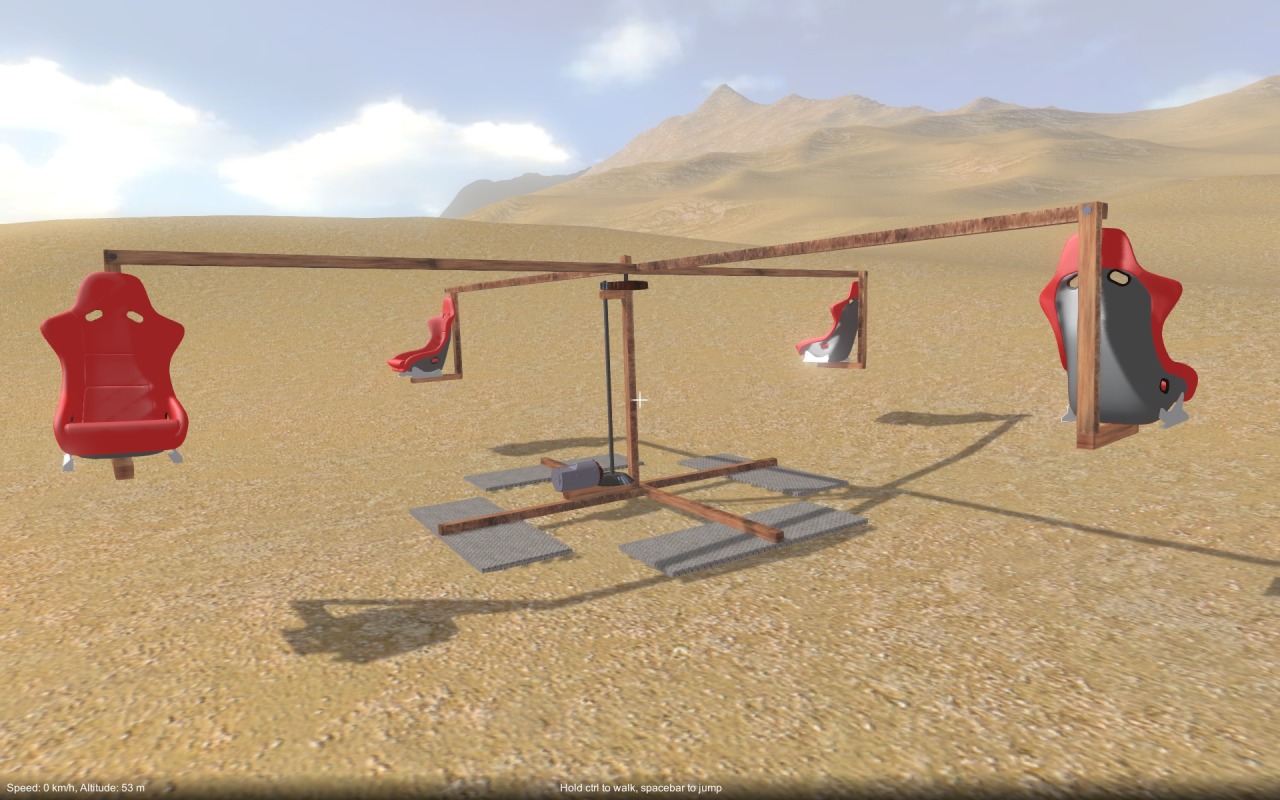
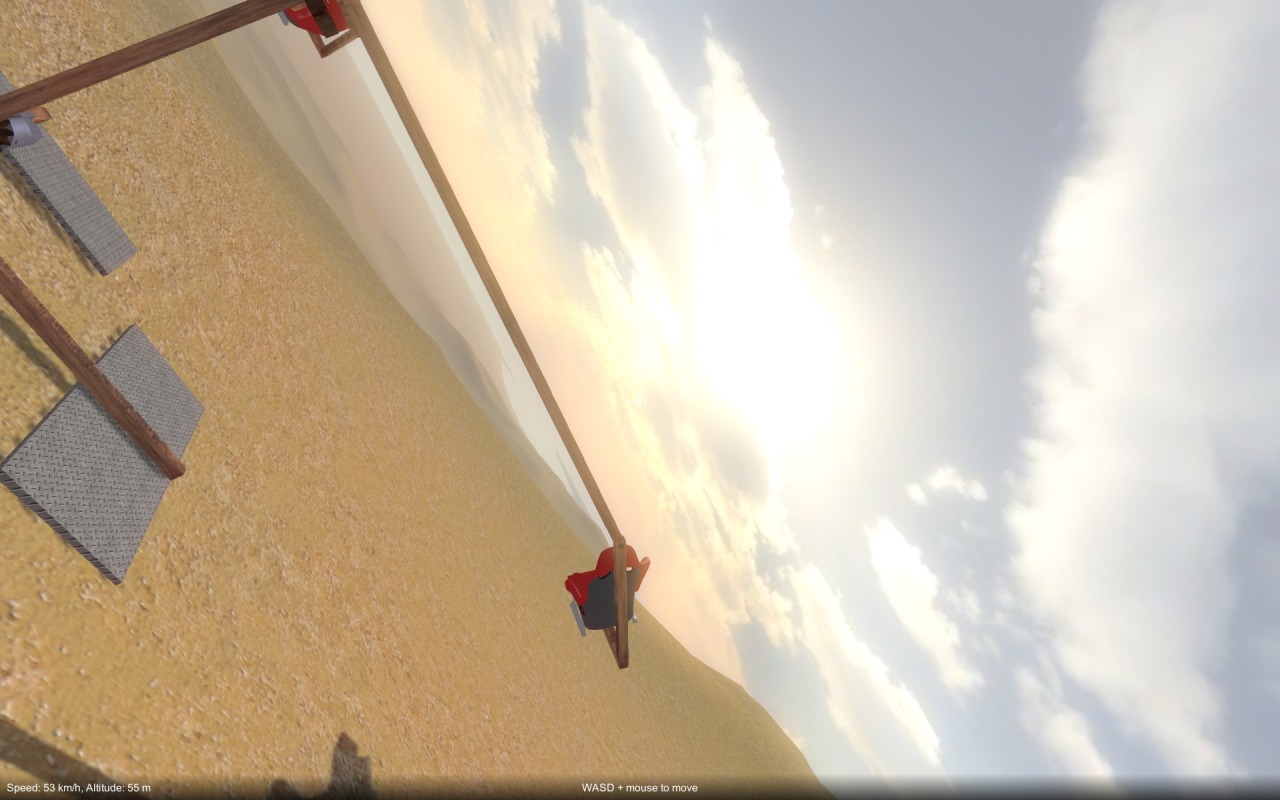
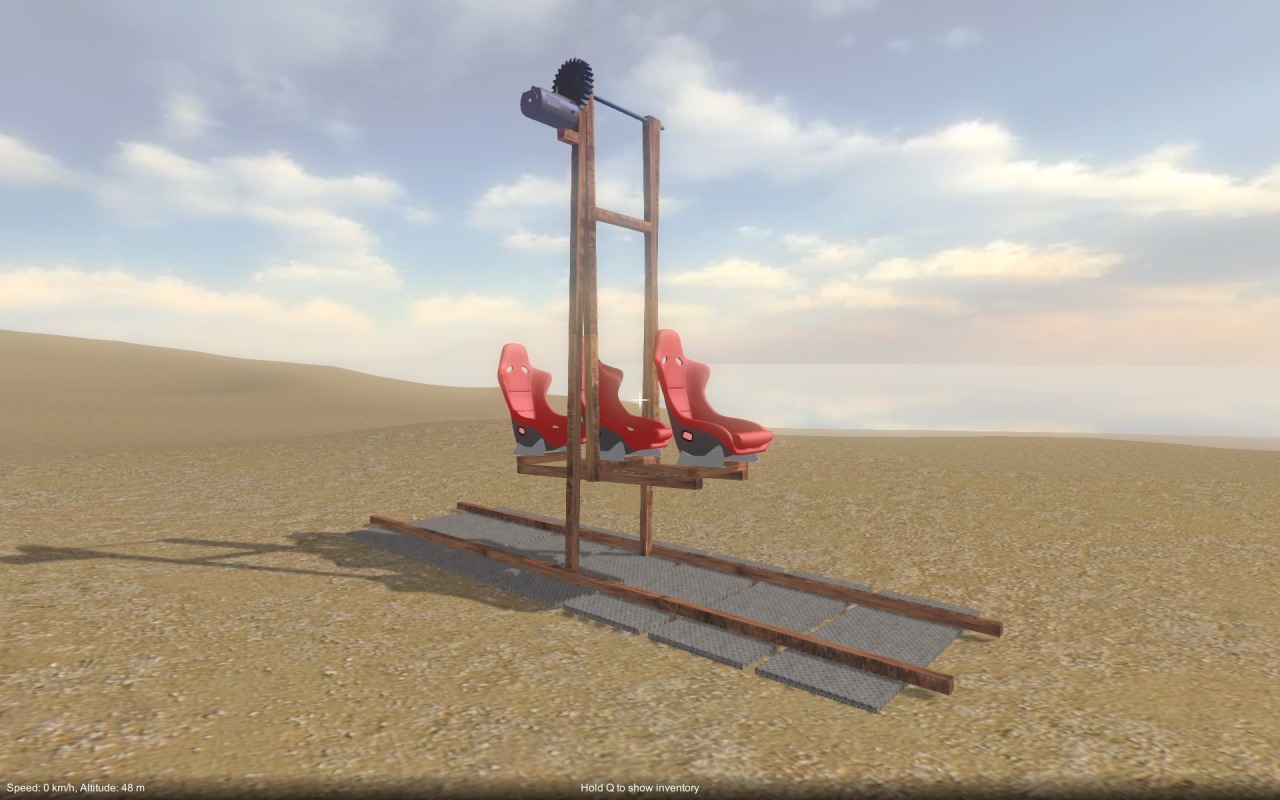
Just for fun I built a couple of crazy fairground rides, a carousel / centrifuge thing, and a sort of swing boat.  You can get up to some serious velocity riding in these, but the g-forces would undoubtedly be fatal!  Hrm, maybe I should make high accelerations reduce player health…

Playable demo – updated

Playable demo – updated

Level building – A new approach

A few weeks ago I had a major rethink about how I wanted to create the levels that you explore and build constructions in.  Originally I had planned to have pre-made terrains, that were carefully crafted with obstacles to overcome, and set locations where things were placed.  I came to the realisation that this was going to be far too much work for me to take on, and would result in limited replayablity.  So I decided to sacrifice the crafted set pieces and move to a procedural approach.

Procedural terrain generation

Over the last couple of weeks I’ve implemented a basic procedural terrain generator, that always generates an island (giving a natural boundary to the playable area).  It generates a height map by taking a cone shape with fractal turbulence applied to form the basis of the island, then modulating it with fractal ridge noise to give the mountains and rocky ridges.  Then, based on elevation and surface slope, an alpha map is generated (this is used to blend between the various terrain textures, sand, dirt, rock etc.)  These maps are then plugged into a Unity terrain for rendering.  I’ve also added some water, using a modified version of the Unity water shader, which provides a nice visual boundary to the edge of the island.  You can see the results so far in the images above.

There is still more to do to improve the height map generation, namely I need to ensure there are more relatively level areas for the player to build constructions on, and also it would be nice to break up some of the more obvious ridge lines (by adding more noise perhaps).

Same goes for the alpha map generation, I need to add more terrain texture types for variety and to break up the often noticeable texture tiling.  Also, I want to procedurally place rocks, vegetation and trees to add more interest to the environment.

Final thoughts

In addition to the terrain itself, I’m thinking of trying a procedural / emergent approach for other aspects of the gameplay.  Perhaps the things you might encounter as you explore the island…

On that mysterious note, I’ll sign off and hopefully update soon with some gameplay news.  In the meantime, check out the new terrains in the web-player build at the usual link: https://dl.dropboxusercontent.com/u/157530041/WebPlayer.html.

New part behaviour controls

It has been a while since my last update, too long in fact, so there are quite a few things to talk about!  First off, I have improved player control over “part behaviours”, in particular this applies to the electric motor.  As before, you hover over a motor and hit use to switch it on or off.  However, unlike before it won’t immediately start running when switched on.  Instead, it is activated by your directional controls (i.e. WASD), when shift is held down.  To configure these controls, you hold shift+use while hovering over a motor to bring up a config screen (see the first image above), this lets you map either the vertical or horizontal directional controls (i.e. either W/S or A/D) to drive the motor.  The upshot of all this is that you can for example build a car with one motor driving the wheels (mapped to directional – vertical), a second motor moving the steering (mapped to directional – horizontal), and then (while holding down shift) drive it around with WASD.  You don’t necessarily have to be in or on the vehicle to drive it, it behaves more like a sort of remote control.

Seats, gears and lights

I have also added some new parts to build with.  First up, a new seat part that you can attach to your constructions, when you hover over it and press use, you “sit” in the seat.  You’re locked into position, but can still mouse-look (see second image above).  This is very handy for vehicles that you want to drive around in without falling off!  To escape the clutches of your seat, just hover over it, hit use again and you’ll return to normal control.  Also, I’ve added a new gear part type – bevel gears.  These let you transfer drive through 90 degrees (as an example, see the drive-shaft and axle setup in the last picture above).  Finally, I’ve added some new light parts, and a few other bits and bobs.

That’s it for this update, the next one will be coming very soon!

Menu system overhaul

New menu look and feel

Recently I have completely overhauled the menu flow, and re-skinned it (still placeholder art for now), it should be much nicer to use now.  I’ve also started adding additional stuff, such as the options screen (currently only graphics options are functional).  You can check it out in the web build at the usual link.

Next up – new game modes

The most exciting benefit of these menu improvements is that it makes it easier to start hooking in new game modes.  Currently there’s only the basic open sandbox mode, but soon I will be experimenting with other game modes that build on top of the core construction game-play.  More news on this soon hopefully!

How to fix a monitor power board

Something a little different in this post!  After period of being sluggish to power up, my LG finally packed in and failed to turn on altogether.  This is a common problem, the capacitors in the power board fail (cheapo components presumably).

I didn’t much feel like throwing away a perfectly good monitor and forking out for a new one (besides, 1920×1200 monitors seem hard to come by these days, they’re mostly 1920×1080, I need those extra pixels damn it!)  So, time to get out the soldering iron and have some fun!

Save game update

Save / load for inventory and player location

If you run the game from the usual link, you’ll find it now has save game support for your inventory and player location!

The same multi-player limitations still apply (you can only save / load from the server machine, and it only saves the inventory & location for the server player).  I still need to figure out a robust design for how saving client player data should work.