Hint of what I’ve been working on lately, still a way to go but getting there…

The latest GearBlocks dev diary showing the new re-sizable parts.
Re-sizable parts
As I mentioned before, I wanted to try having re-sizable parts as a way to make selecting which part to spawn more manageable for the player while at the same time having a greater choice of part sizes and material variations available. Over the past month I have been working on prototyping and building this feature, and it’s now in the latest build and working pretty well I think. Beams, plates, axles and slider rails are all now re-sizable to a range of different sizes, eliminating the need for a separate entry for each different size in the spawner menu.
To achieve this, I implemented code to procedurally generate the render meshes for these parts rather than use pre-made meshes. Also, I had to modify the construction controls slightly to allow the player to easily re-size parts. Figuring out how to nicely integrate the controls for re-sizing with the existing control scheme actually took most of my time. I explored a few different ideas, but I’m fairly happy with what I ended up with.
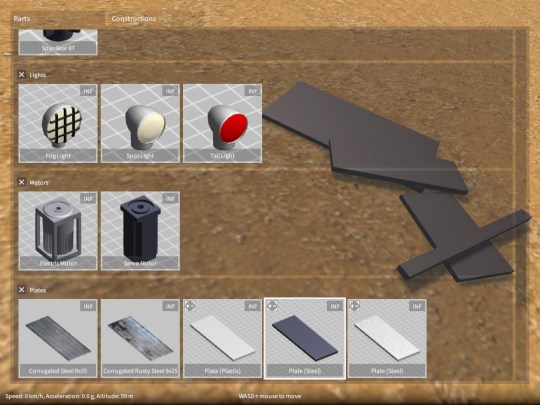
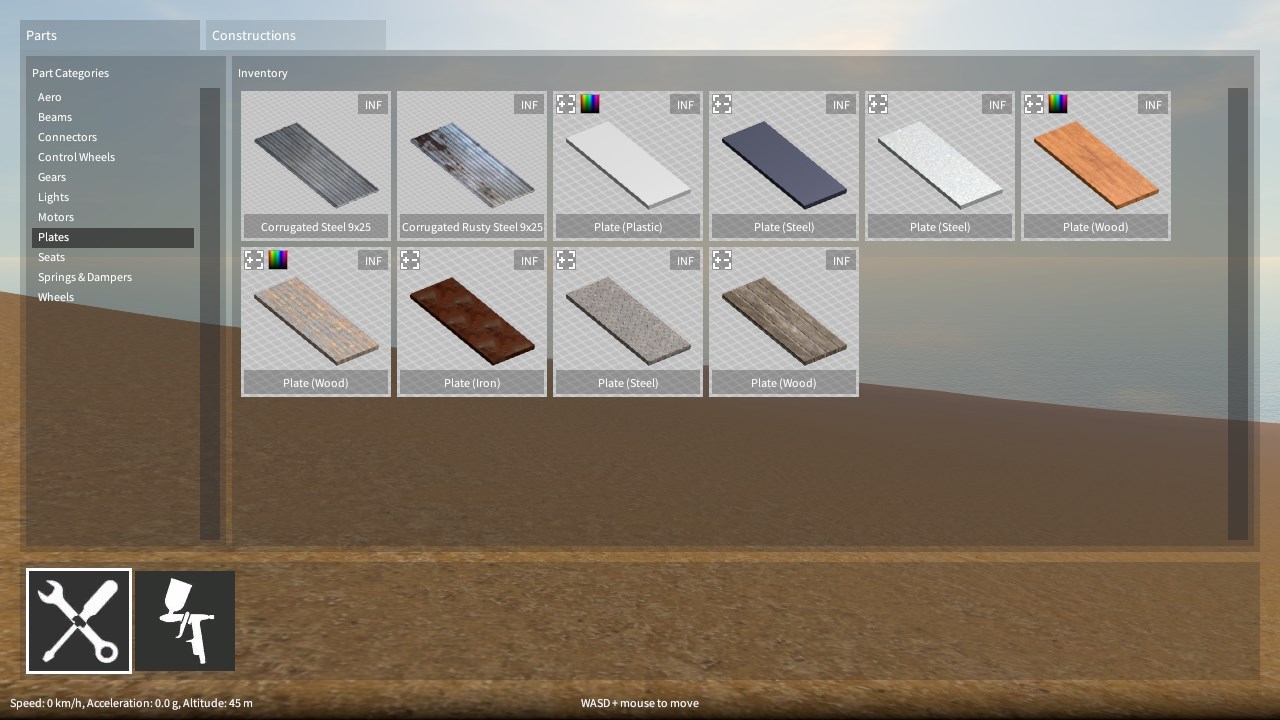
Re-sizable parts can be identified in the part spawner menu as the ones with the +/- icon in the top left corner of their preview images. Parts can only be re-sized if they’re not currently attached to any other parts. If something is already part of a construction you have to detach it first, re-size it, then re-attach. Any existing saved games will be automatically converted on load to use equivalent re-sizable parts in place of the old fixed size ones. Let me know if you have any problems with an old saved game not loading properly, but hopefully I have covered all of the cases!
Construction controls changes
Note that the following only applies when a construction is currently selected by the player:-
Soon, I’ll make a video to go over the new controls and part re-sizing in more depth, so watch this space!
Next steps
An often requested feature is to have flexible key bindings for controlling part behaviours (e.g. motors, servos etc.), rather than only being able to use the directional keys. For a few different reasons that I won’t get into now, this is not as easy to do as you might think. To facilitate this, I need to overhaul the input system somewhat, so this will be coming up on my horizon soon.
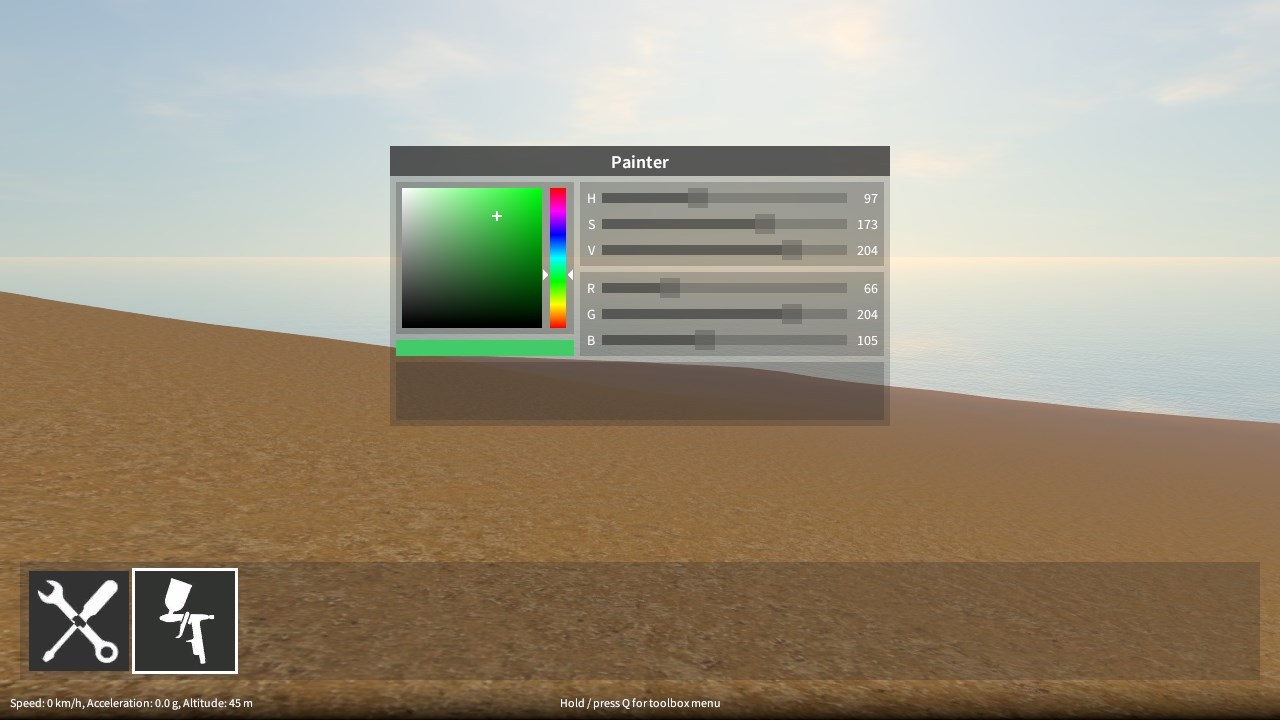
I also want to introduce a painting tool to allow the player to easily change the colour of beams and plates. I think this will be big improvement to the creative flexibility afforded in the game, but I’m not quite sure how it’s going to work yet. Something I’ll hopefully be looking at soon.
Finally, to support some more complex parts I want to add down the road, I need to totally rework the current system I have that decides which types of parts can be attached with other parts, in order to make it a lot more flexible.
So…lots to do!
Gear, motor and spring damper tweaks
This updated build brings increased motor torque and spring damper values, which should work better with larger, heavier constructions. It does mean however that you will probably have to tweak the spring damper settings in your existing constructions, as well as perhaps remove some motors if you’re currently doubling them up to increase torque.
I have also made some tweaks to reduce gear slip under high torque loads (in fact this is what allowed me to increase the motor torque).
This build also has a bunch of bug fixes (see the release notes for all the details), but one fix in particular affects motors. Depending on what order motors and axles were attached together, the motor rotation direction could be different. This has now been fixed so that the direction is always consistent, but it does mean that you may have to flip the reverse direction toggle in your existing constructions.
Hey everyone, it’s been a while since my last update, sorry about that! For a long time I’ve wanted a better (& larger) selection of materials for the block / plate parts, as well as to allow their colour to be changed. I realised however, to facilitate this I need to redesign the part inventory system (otherwise the huge increase in parts would become unmanageable), and also to implement some kind of paint tool to change colours. I’m also thinking it might be better to have resizeable blocks / plates (and perhaps other parts where possible) to give more flexibility and reduce the number of parts cluttering up the inventory. This would be a fairly big change to implement, and has some awkward design implications for features I was hoping to add later on, so I want to be sure before I decide to go ahead with it.
So over the last few weeks I have been working on designing how this is all going to work. I have a way to go but I think I’m getting there. It has rather thrown my project plan off track though, so I need to try and get back on track.
Over the coming weeks I’ll be prototyping resizeable blocks, continuing with the design work, and hopefully making some progress on implementing the new systems. So things might continue to be a bit quiet while I work on this! In the meantime however, I have just released a new demo build with some improvements and bug fixes, details coming shortly…
Spring dampers
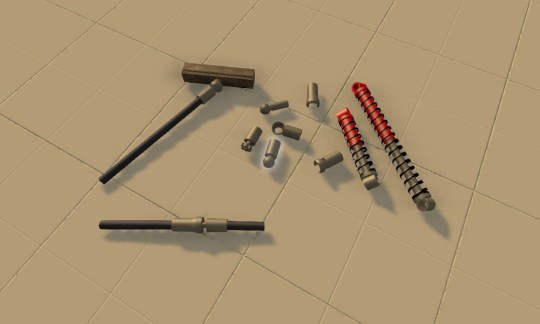
The latest GearBlocks demo build now has coil-over spring dampers that can be used to build all kinds of suspension for your vehicles! The spring rate and damping can be adjusted through the part behaviour menu (accessed in the usual way, hover over and hold Shift + E).
I had the physics side working nicely early on, but it took a while to figure out the best way to present the spring / damper functionality to the player, within the constraints of my construction system. In the end I decided to have two parts, a “barrel” and a “piston” that the player fits together to form the spring damper unit. Originally I was hoping to provide a pre-assembled unit to avoid making the player do this, but it would have required too many changes to the construction system to allow for “multi-element” parts. Anyway, this way allows the barrel and piston to be attached in different orientations which is a bonus.
Now, actually using the spring dampers for something useful (like car suspension) might not be immediately obvious, so I’ll make a video soon to go over this.
Ball and Socket joints, CV joints
I have also just finished working on adding a whole new set of connecting joints to the game. There are ball and socket connectors that snap together and can attach to axles or blocks. They allow the connected parts to rotate through all three axes, and are essential for building a proper steering mechanism with a vehicle that has suspension, but they have many other uses too.
I’ve also added constant velocity joints, which attach axles together and allow rotational drive to be transmitted through changing angles. These are useful for building drive shafts for vehicles with suspension, and / or front wheel drive (or four wheel drive).
These parts are not available in the demo, as I’m keeping them back for the full game. I’ll be doing a video on these too though, to show how they can be used, it can get pretty complex!