Creative building, interactive machines, and gears - lots of gears
Posted on
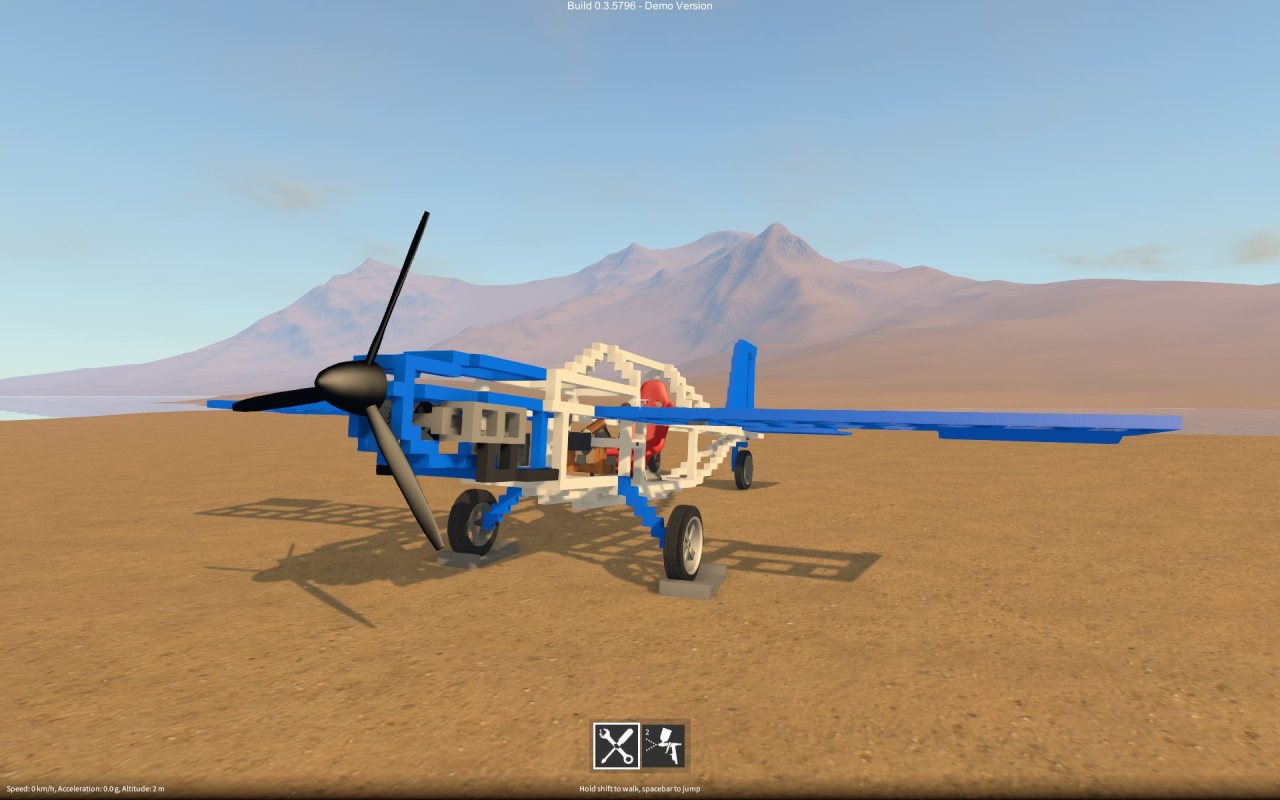
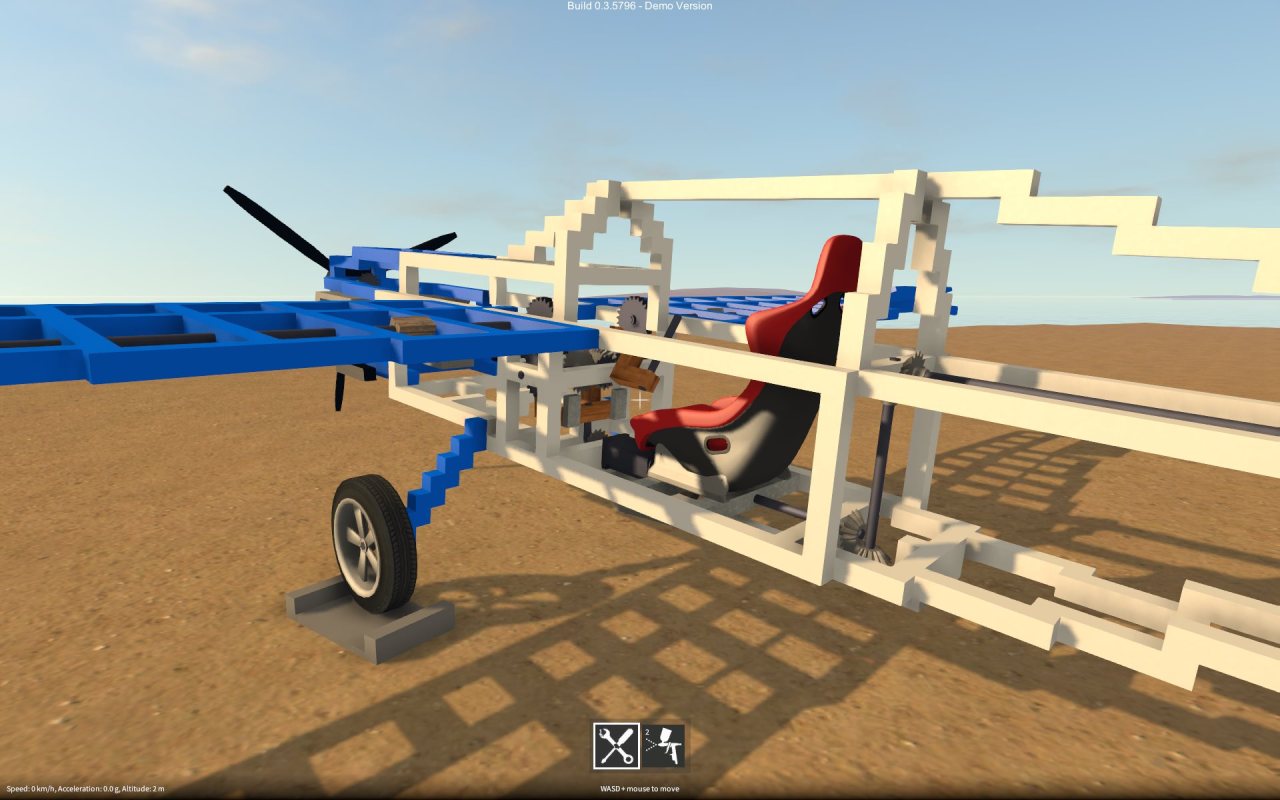
Made this in GearBlocks, it’s a sort of helicopter thing. The controls are super touchy (I ended the video before the part where I crashed into the mountainside!), but it’s just about flyable. I name it…The Mosquito.
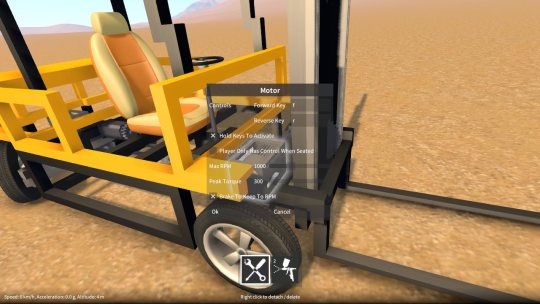
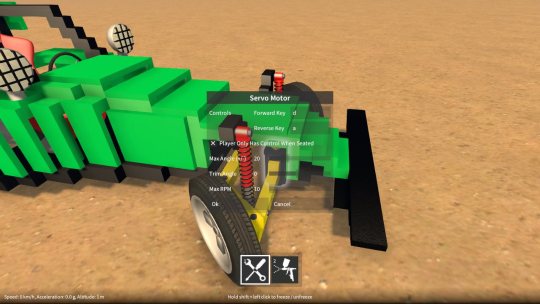
Rather than only being able to control motors, servos etc. with the directional keys (i.e. WASD), you can now assign your own keys in the part behaviour dialog (highlight the part, hold shift & press E). This opens up all sorts of possibilities as you can now control multiple motors at once using separate sets of keys. There is also the option to have the motor only accept control input when the player is sitting in a seat that is part of the same construction as the motor. This is handy, say, for when switching between vehicles that are set up to use the same key assignments.
Motor and servo improvements
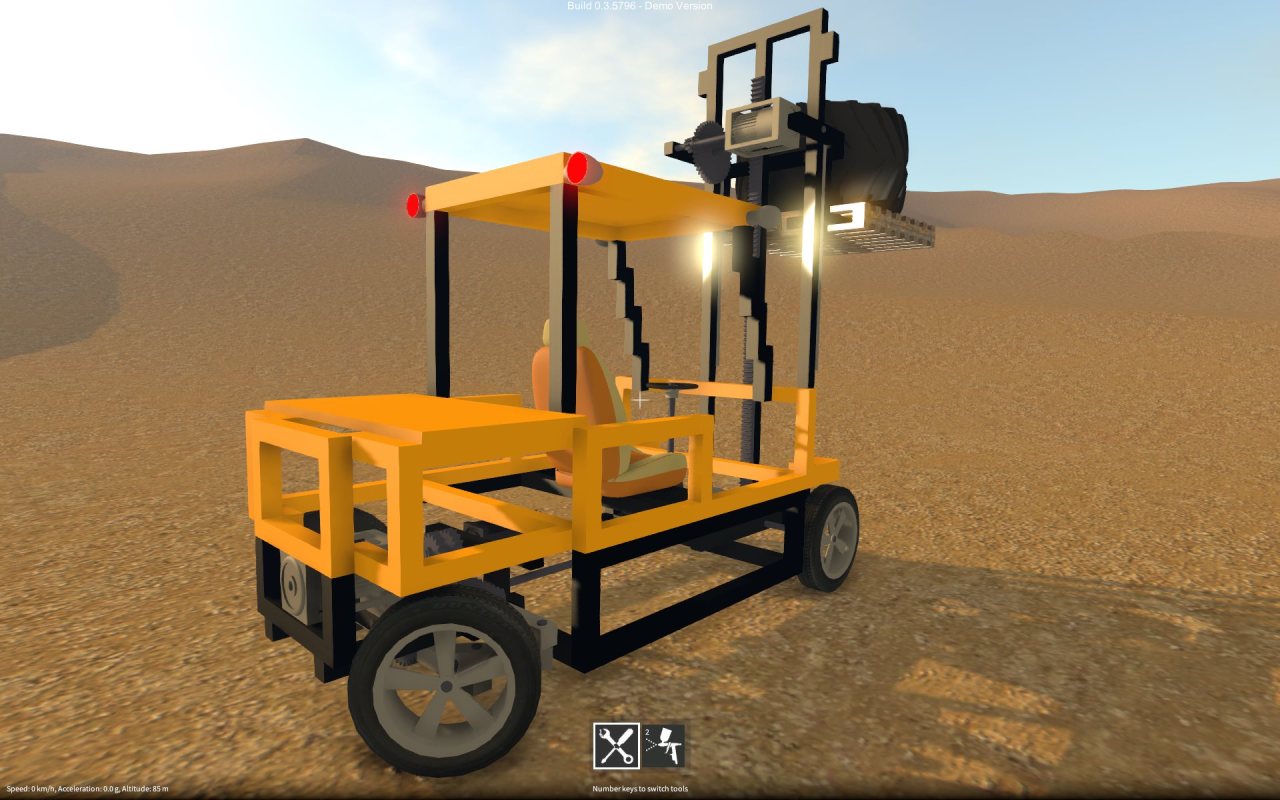
The motor now has a “brake” option that stops the motor from spinning when it is switched on but not activated. This ability to “hold in place” the drive train attached to the motor is useful for lifts, cranes, and many other things. The fork lift truck I recently posted a video on makes use of this feature to hold the forks in place when you’re not moving them up or down.
Rather than snapping immediately to its required angle, the servo motor now transitions smoothly at a fixed speed. I’ve added an RPM setting that allows this speed to be adjusted to suit the purpose you’re using the servo for.
Save / load of constructions
An individual construction can now be saved out by highlighting it, bringing up the construction menu (by holding shift & Q), and clicking the save button. This brings up another window that shows any currently saved constructions, lets you choose a name to save under and so on. The constructions get saved into the SavedConstructions folder under wherever you’re running the game from.
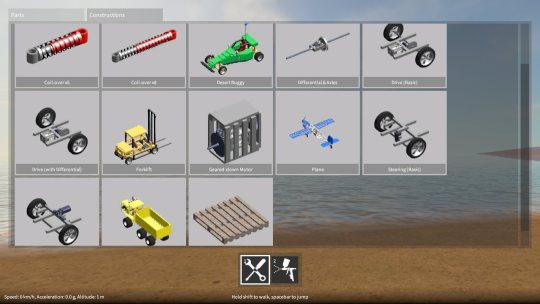
To spawn a construction you previously saved, in the builder tool mode, hold Q to bring up the builder tool GUI and click the Constructions tab. There you’ll find all your saved constructions, just click on one to spawn it. Also, I’ve included some built-in example constructions for you to experiment with!
Posted on
A forklift truck I recently built in GearBlocks, making use of slider rails and rack & pinion gears to move the forks up and down.
It’s been a long while since the last update, I was away for a bit, then got sick which took me out of action for a while. But anyway, finally I’ve gotten a new build out the door – here’s what’s new…
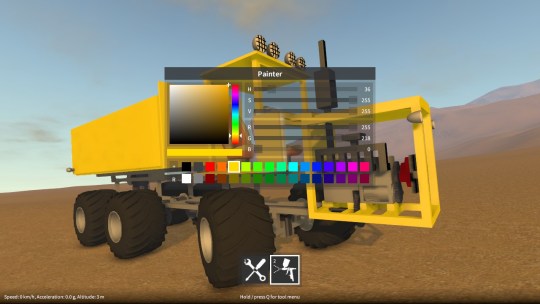
Painter tool
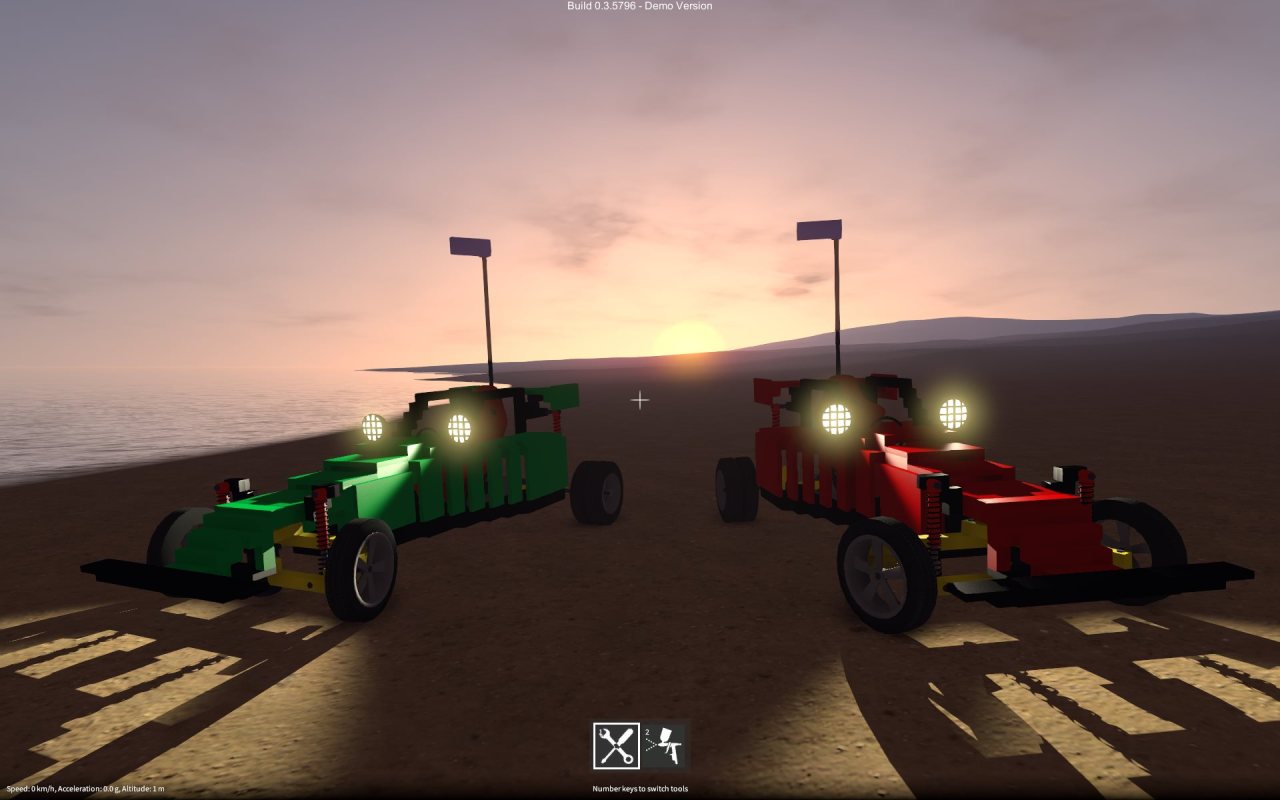
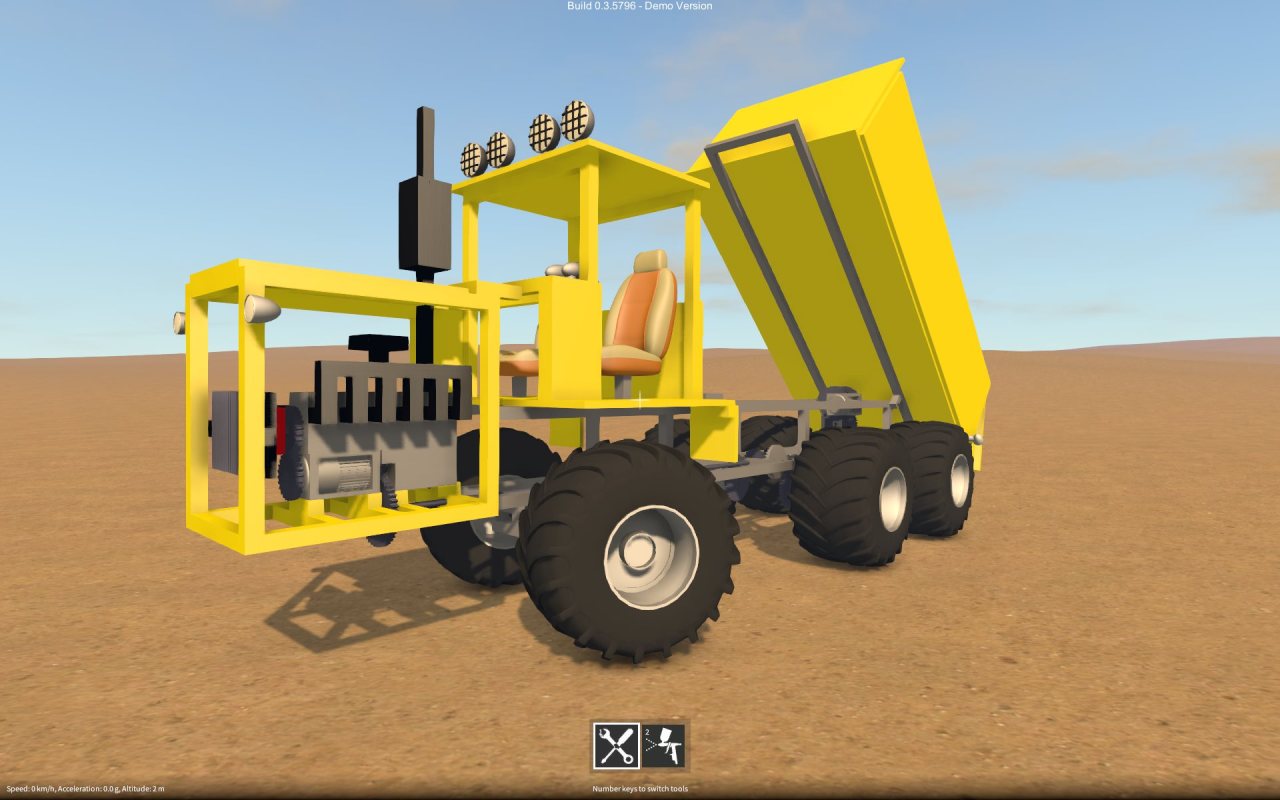
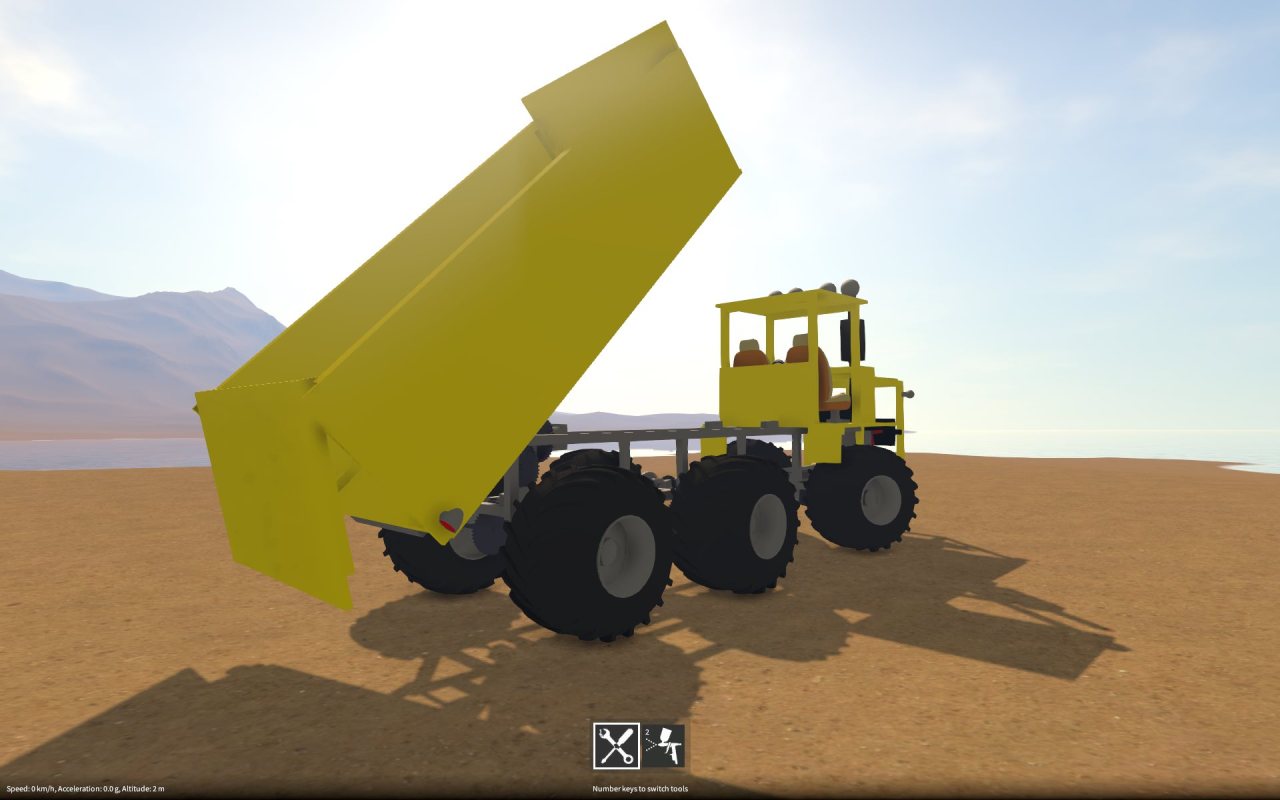
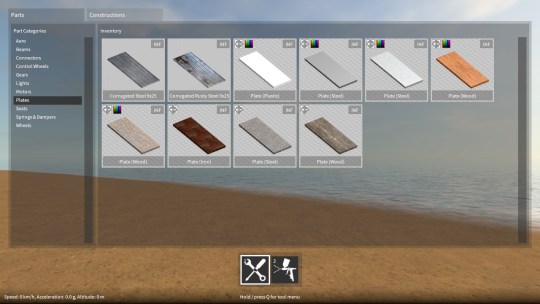
There is now a new tool in the game that allows you to apply colour to the currently highlighted part (if it is paintable). Paintable parts can be identified in the part spawner menu as the ones with the colour icon in the top left corner of their preview images.
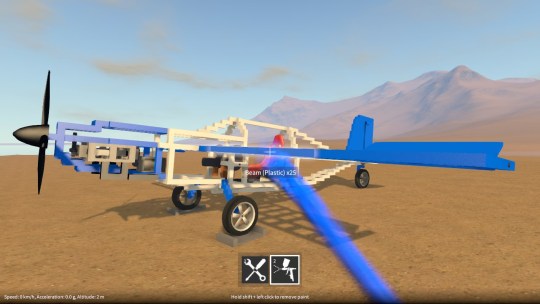
The numeric keys select which tool is currently active, 1 for the builder tool (i.e. the pre-existing construction controls) and 2 for the new painter tool. The currently active tool is indicated in a new toolbar at the bottom of the screen (you can also select a tool by clicking on the icons in this toolbar). When the builder tool is active, using Q will bring up the part spawner menu as before, but when the painter tool is active, Q brings up a different menu, one that lets you choose a colour to paint with. Note that in the demo, some of the paint colour controls in this menu are disabled, but you can still choose from a fixed palette of colours.
When the painter tool is active, the following controls are available:-
Left click to apply paint to the currently highlighted part (if it is paintable).
Hold shift + left click to remove paint from the currently highlighted part (if it is currently painted).
Right click to sample paint from the currently highlighted part (if it is currently painted) and make it the current colour for painting.
Other improvements
Also in the latest build, Q can now be optionally made to toggle the tool UI, instead of having to hold Q. To activate this, there is a check box option in the input settings.
The electric motor peak RPM and torque are now configurable from the part behaviour configuration dialog, which allows the motor to be fine tuned to better suit the construction that you’re building.