Creative building, interactive machines, and gears - lots of gears
Category: Uncategorised
Posted on
Tutorial 1: Attaching parts rigidly
Here’s the first in a series of tutorial videos I’m making that will explain in more depth how to build constructions in the game. This one covers rigid attachments, that is, how to connect parts together rigidly.
The next one will talk about rotating (i.e. hinged) attachments.
When aligning a selected part to another (frozen) part, prior to attachment, the game now shows where the available attachment points are. These indicators reflect the type of attachment, either “surface” (e.g. as in block to block) or “interior” (e.g. as in block to axle). The idea is that this should make it easier to accurately position parts where you want them.
Other stuff
In order to implement the alignment indicators I had to refactor a bunch of code, one side effect of which was that I was able to slightly reduce the per-rigidbody network data by calculating more stuff on the client side. I also fixed a bug in explore mode, that was causing parts to not spawn.
Previously, when attaching parts together with a hinge, the game would attempt to remove any rigid attachments that would prevent these parts from rotating with respect to one another. Now that you can go in and delete individual attachments after the fact, I’ve removed this behaviour as it was somewhat arbitrary. At this point I think it’s better to leave it up to the player to decide which attachments to delete.
In conjunction with this, any hinges whose connected parts can’t rotate (due to being also rigidly attached in some way) are now highlighted red. This will hopefully help you debug stuff in your constructions that isn’t rotating as you want it to.
Physics collisions
Up ‘til now, subsections of constructions that were directly attached together with a hinge would not collide with each other. As of Unity 4.5, the PhysX flag that enables these collisions has been exposed, so I’ve now enabled it in game. No more parts passing through each other, woop!
Over the last week I’ve made a couple of changes to the way parts can be detached from one another. Firstly, when you right-click a part, all attachments connecting that part are now deleted (not just hinges only or rigid only). Secondly, and perhaps more interestingly, attachments can now be deleted individually. This is done by hovering your cursor over the attachment to highlight it, and then right-clicking it. For example this allows you to detach and re-position an entire sub-section of your construction by deleting only those attachments that are connecting it. Remember though, stuff will stay attached together until all attachments connecting them have been severed.
Hopefully these changes will make it easier to modify your constructions, re-position things, and so on. The plan is, in addition to deleting, you’ll soon be able to make modifications to highlighted attachments. Hopefully I’ll have this done in the next week or so!
Posted on
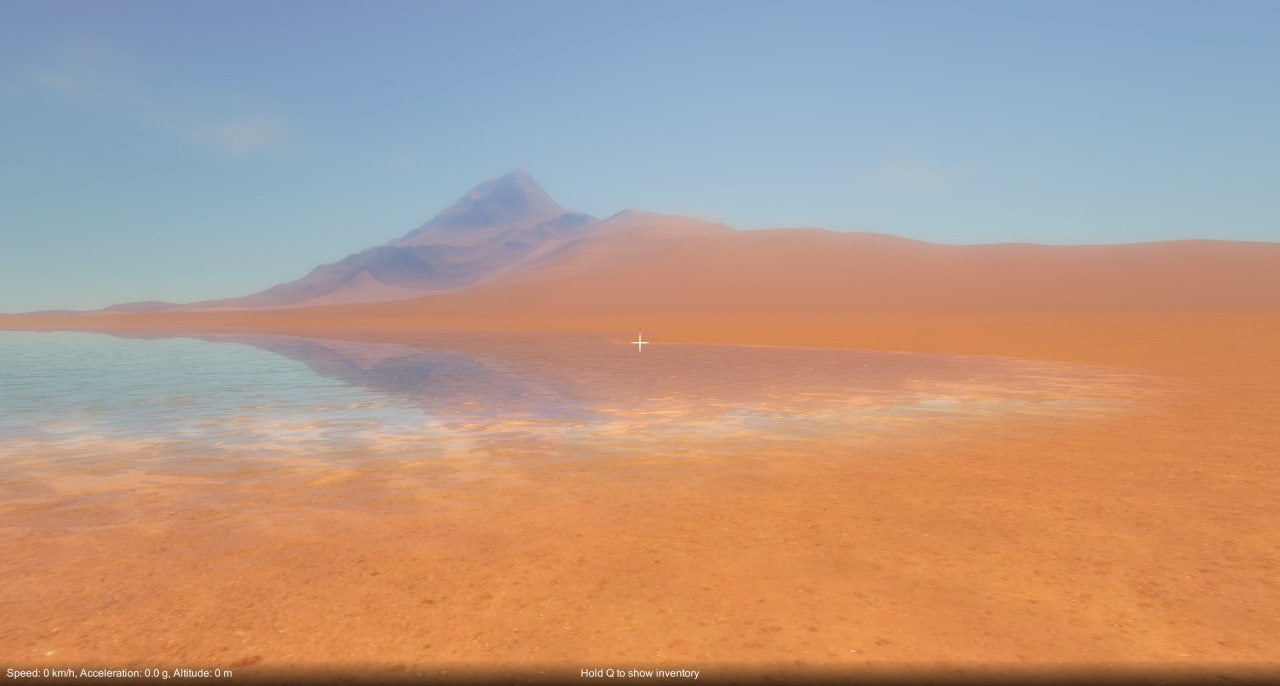
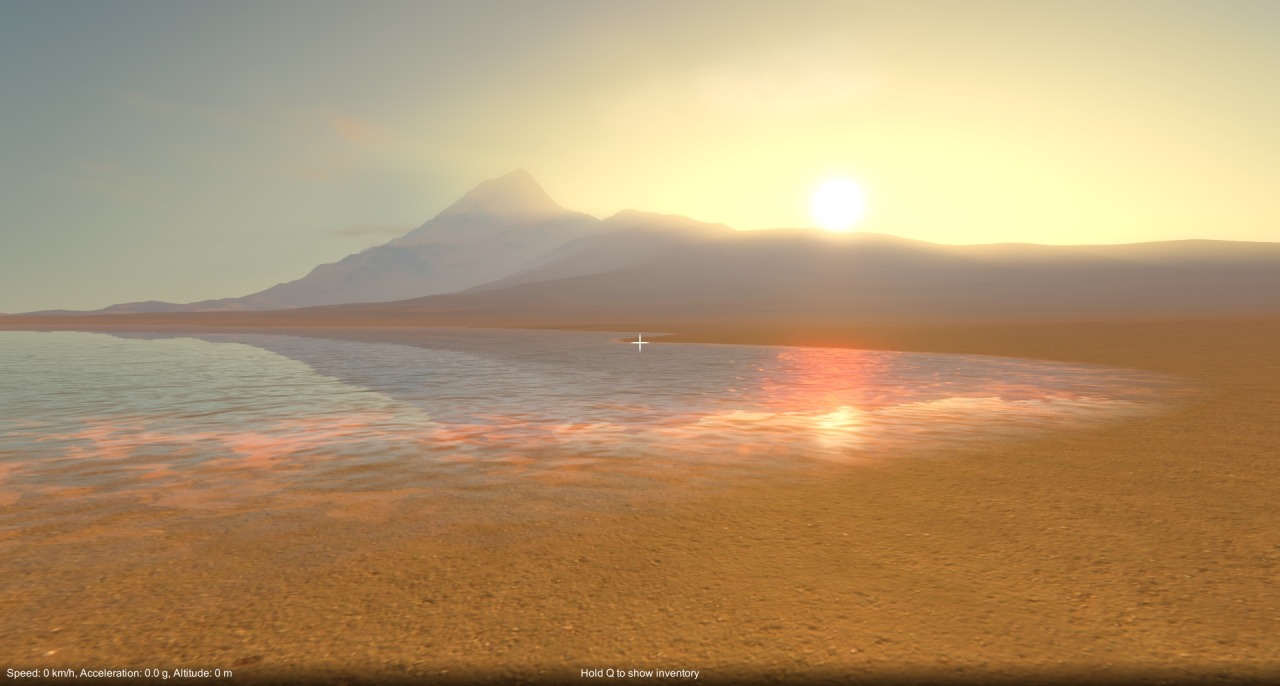
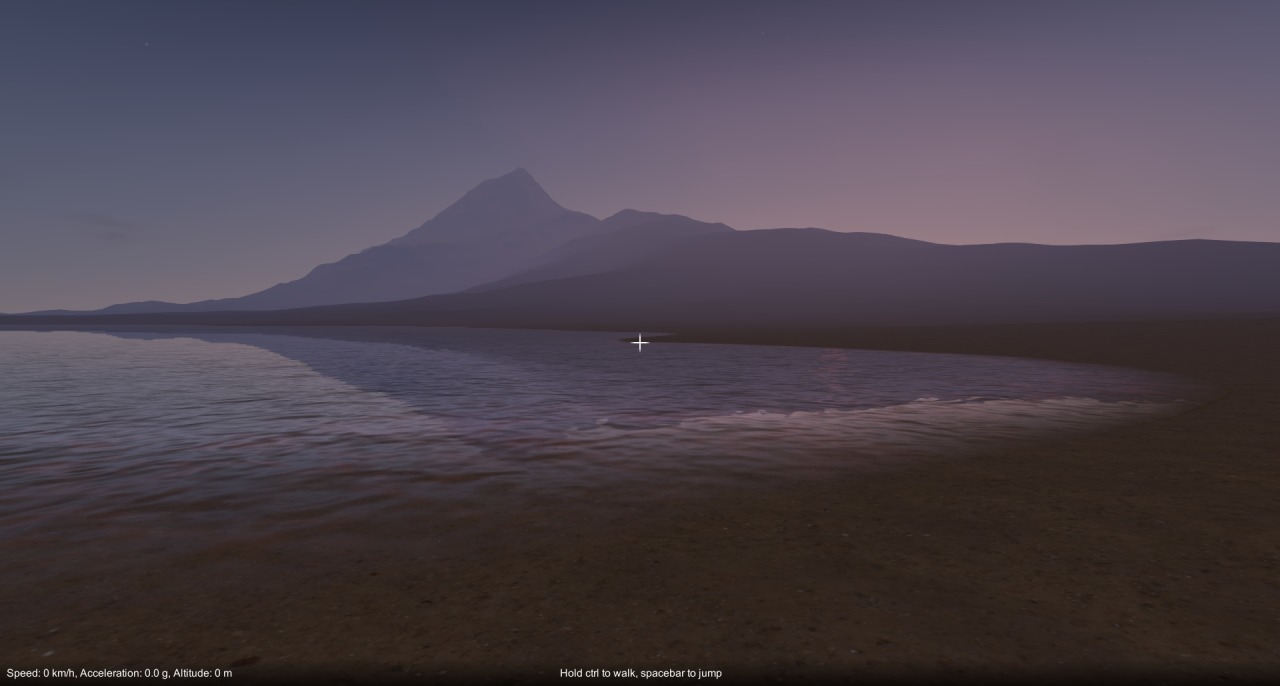
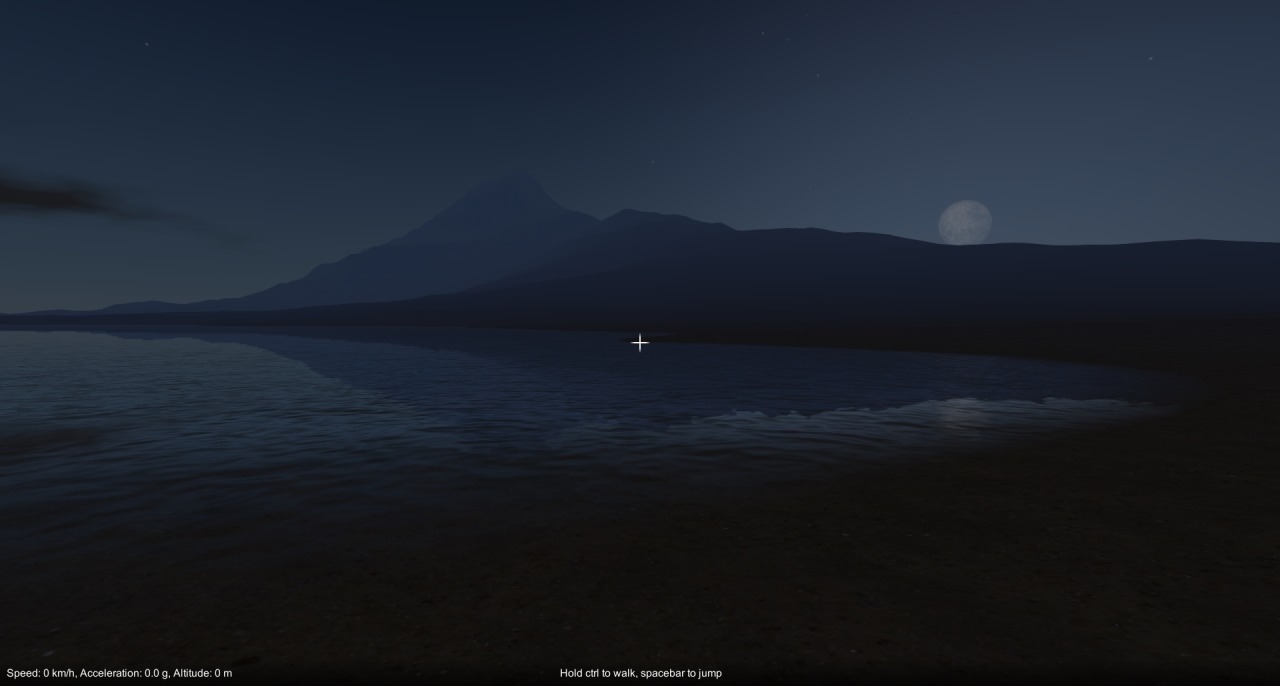
Time-of-Day timelapse
Having too much fun playing with this at the moment… 🙂
Posted on
New time-of-day / sky system in game
I felt like I needed a change after being bogged down with the construction mechanic and physics issues for so long, so I decided to do some rendering stuff over the last week or so. As of the latest build, I have integrated Mod Monkeys’ fantastic Time of Day system (available on the Unity asset store: http://u3d.as/4fg) into the game. It implements atmospheric scattering, dynamic time-of-day, clouds, weather etc. and is really nicely done, a quality asset. It wasn’t quite a straight drop in for me, as I had to apply the scattering to my terrain shaders and make a couple of minor mods, but overall it was very easy to integrate. So far I have the time of day changing as you play, but the weather doesn’t do anything yet, I’ll have to look at hooking that up later.
Next up for me is back to the construction mechanic. Still no word on that Unity collision bug…
I’ve been away on vacation for a couple of weeks, but after getting back I’ve been looking further into that non-collision bug. After some further investigation, it turned out that not only was my “on collision stay” callback not being called, but collisions between the parts were not happening altogether. I also managed to reproduce the issue in the editor as well as standalone / web-player builds.
I haven’t found a work around yet (not sure if I even can), but I put together a special cut down version of my game project and sent it off to Unity to help them reproduce the bug. In the meantime, the game is still broken unfortunately, the only way to get around the issue is by removing and re-adding parts to your construction until Unity physics corrects itself. I hope the Unity devs can fix this issue soon, but I guess we’ll just have to wait and see!
Gah, bloody typical. It’s Friday evening and I’ve just discovered a game breaking bug. In both the standalone and web-player builds, it seems Unity sometimes decides not to call my “on collision stay” callback, which breaks the whole construction mechanic – it means you can’t attach parts together! I’m not sure how long it’s been like this, I usually test the game in the editor, which naturally enough doesn’t have this issue. Lesson learned: I really should properly test the standalone builds more often! Hrm, it could be a while before I figure this one out… 🙁
Posted on
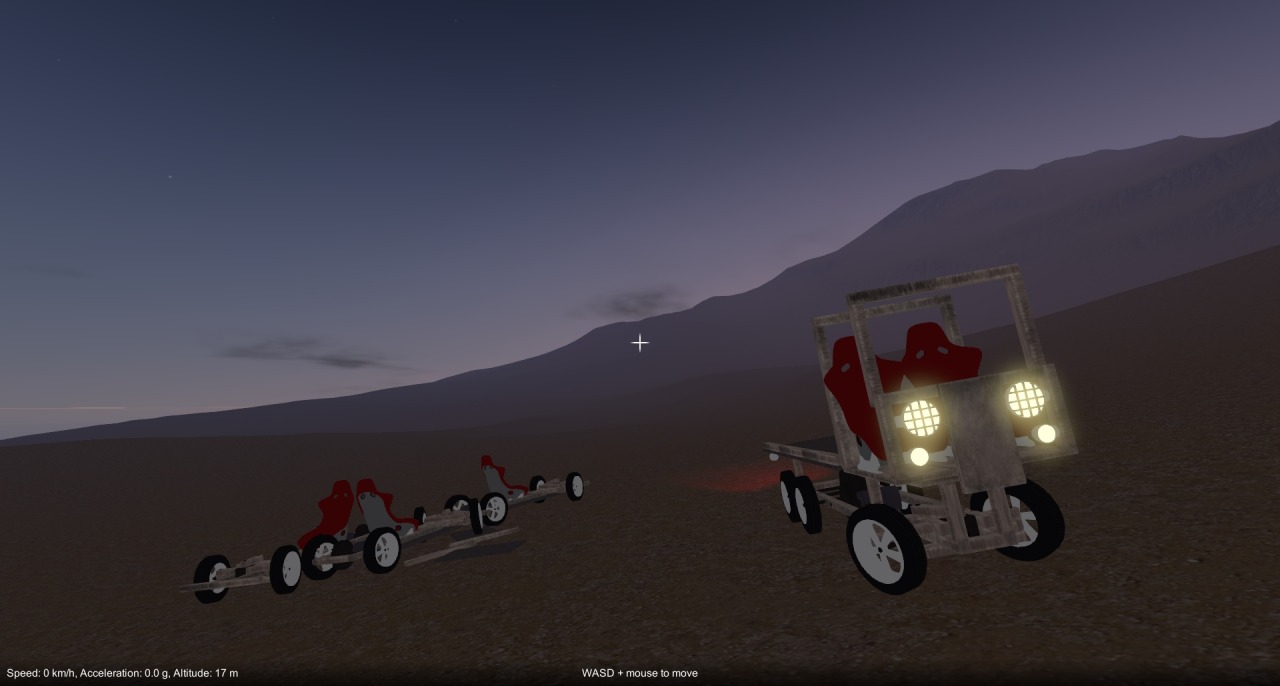
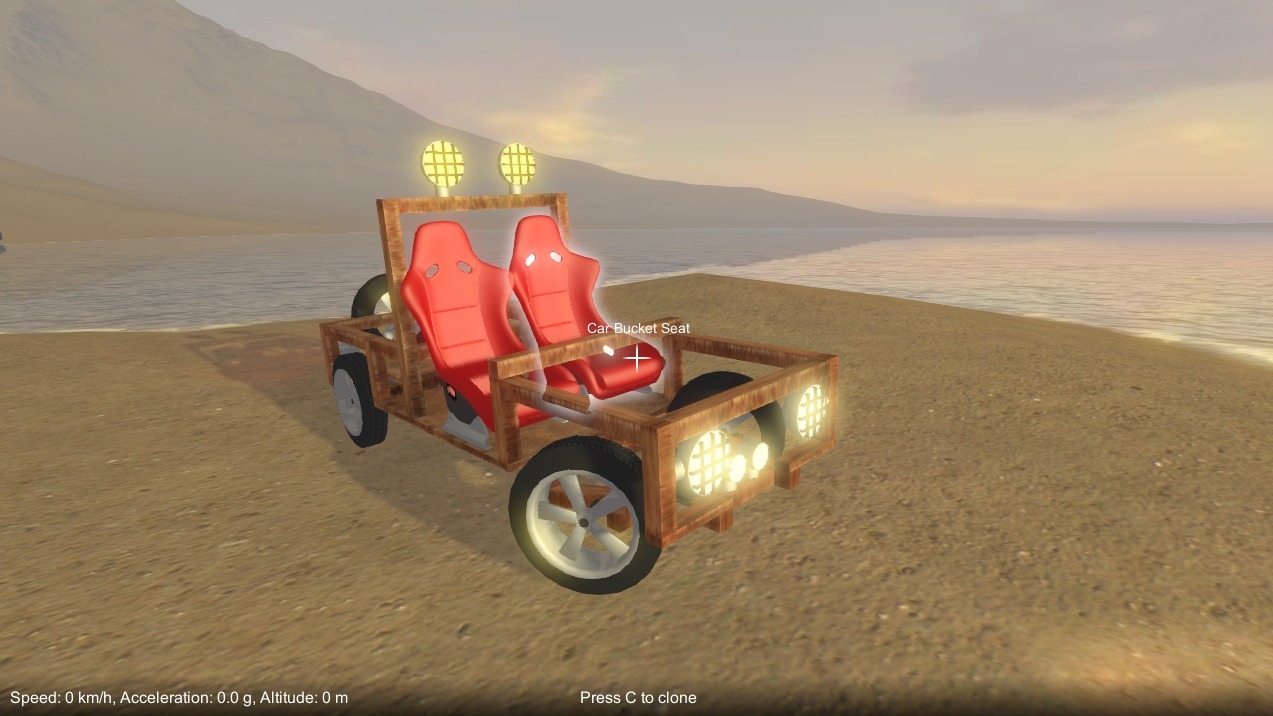
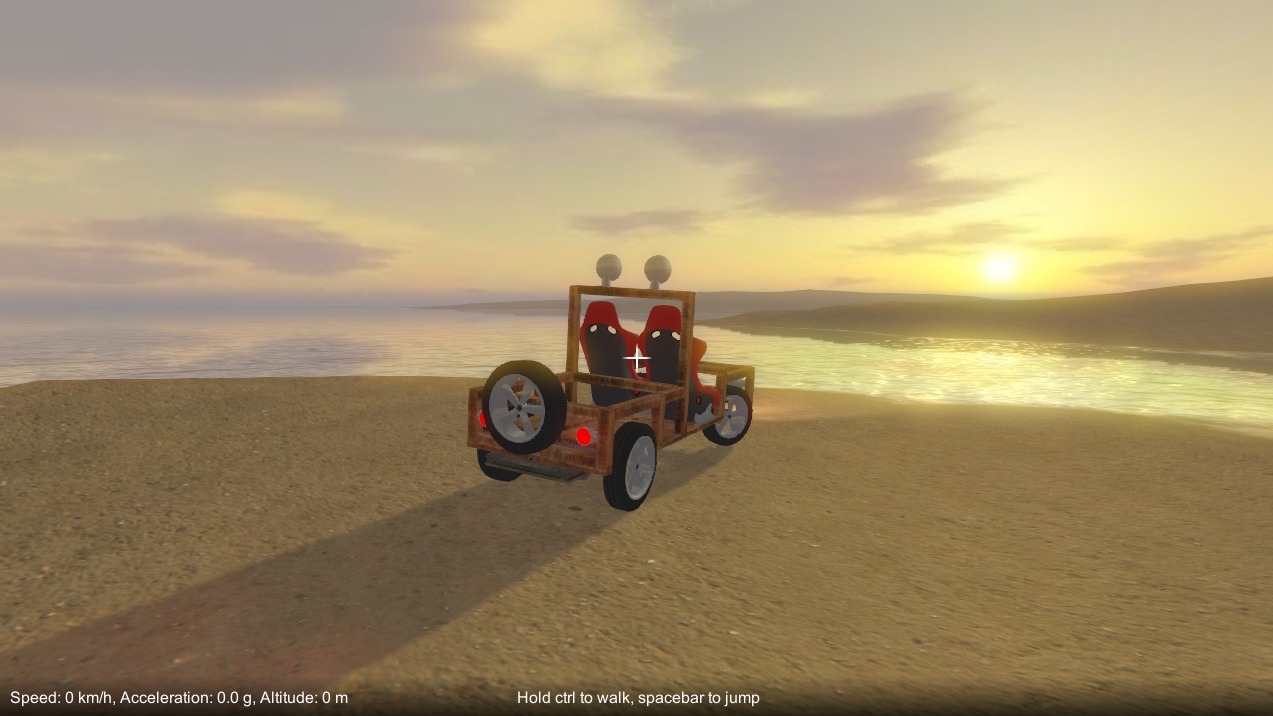
Just took a break from working on the game, and had some fun playing it instead! Here’s a pickup I built, it features dual motors in the back, working steering and lots of lights. 🙂 Top speed is around 160 km/h. Being narrow and fairly top heavy, it takes some finesse on the steering not to flip it over!
This update has a bunch of bug fixes and minor tweaks, but the main change is that part behaviour settings are now stored when you save a game. For example, a motor’s directional controls and “is reversed” settings will be saved, so they won’t get lost whenever you save and then reload a game. Unfortunately, as this required a change to the save game format, old save games won’t work.