Construction controls walkthrough
The construction game mechanic is getting close to being finished now, barring a few minor tweaks here and there, so I’ve made a video to demo how the controls work to position, align and attach parts together.

Construction controls walkthrough
The construction game mechanic is getting close to being finished now, barring a few minor tweaks here and there, so I’ve made a video to demo how the controls work to position, align and attach parts together.

Energy beam
Over the last couple of weeks I’ve mostly been doing code cleanup and bug fixes, so there’s not much new to show. I have added a new energy beam effect though, for when you have a construction selected. It’s a first stab at it and still needs some tweaking, but it works pretty nicely. Once I add the construction tool held by the player, the beam will emanate from that, but for now it comes from just below camera.


Glowing highlight
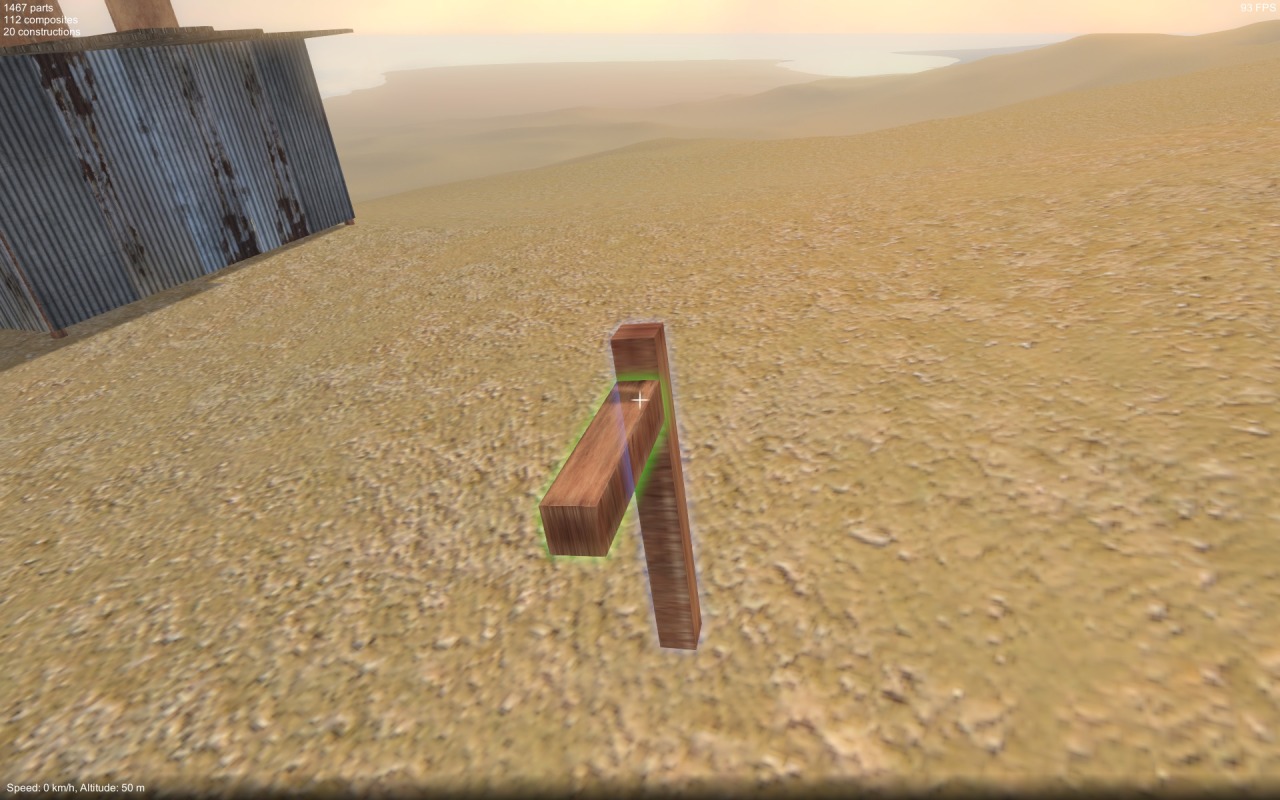
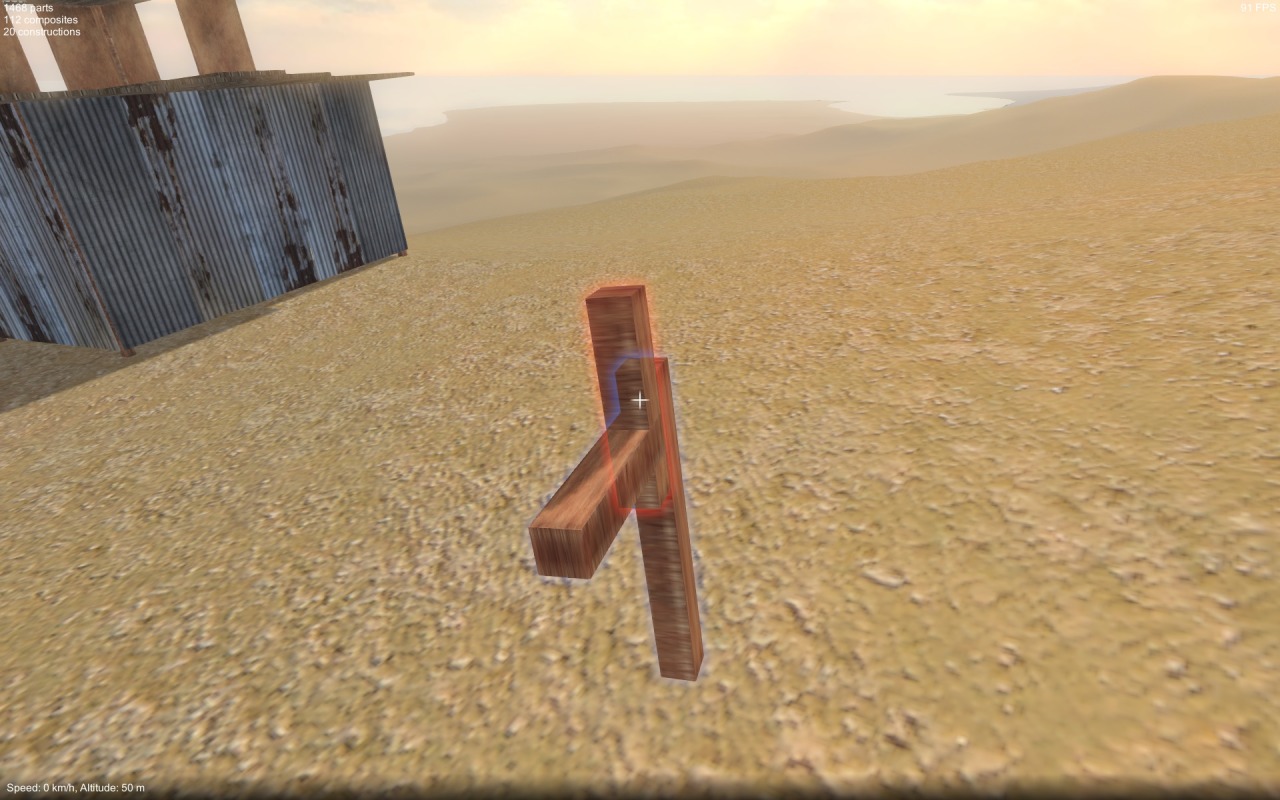
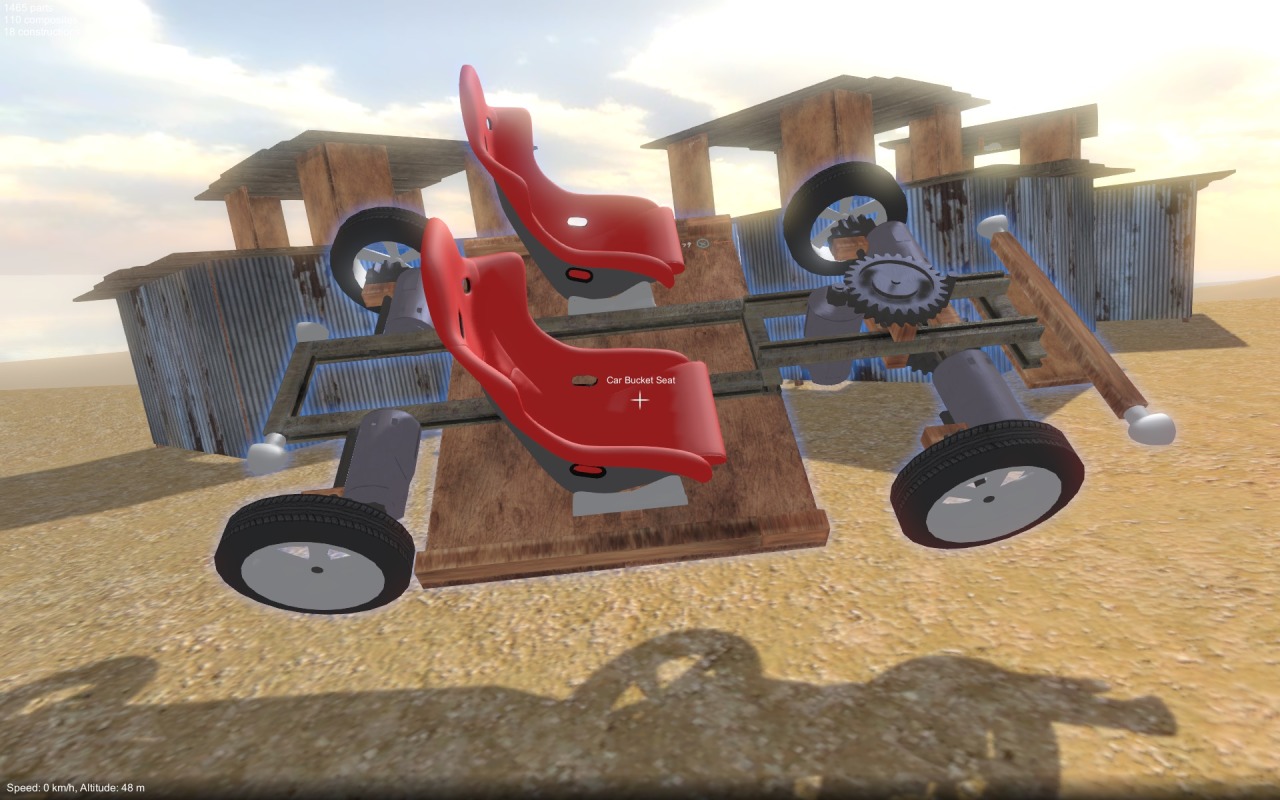
I’ve just replaced the old construction highlighting (line drawn bounding boxes) with a new glowing outline effect. When a construction is selected it glows blue. Then, when aligning it to another construction, the colour changes to green if the attachment is valid, red if not (i.e. if parts are interpenetrating). Constructions also glow blue when they’re frozen.
More UI / visualisation improvements coming soon hopefully…
Playable build – updated controls
Wow, it’s been a long time since my last update! I’ve been locked away working on the building mechanic for the last couple of months, but now I finally have something new to share. After the construction freezing stuff that I posted about before, the next step was to work on how the player positions, aligns and attaches new parts to a frozen construction. The implementation I had in place for this (dating right back to the beginning of the project) was clunky and difficult to use, and was in need of a major overhaul.
Over the past two months I have been prototyping many different ideas for alternative solutions. It has been a challenging and frankly frustrating experience, because every method I tried seemed to have its own pros and cons, and no single idea jumped out as the “correct” way to go. It’s not been an easy problem to solve, but I have now settled on what is hopefully the least worst solution! I think with further refinement it can be made to work quite nicely, certainly it’s already much better than what I had before.
Original method
The original implementation I had for alignment and attachment was done just using physics collider contacts. You had to position your selection, so that it touched the frozen construction roughly where you wanted it to attach, and it would snap in place based on that. The problem was that you had to be very precise with the positioning in 3D space, otherwise things might not contact where you wanted.
Rejects and epic fails
To try and help positioning the selection, I tried various ways of aligning it to a plane oriented relative to the frozen construction. This helped a bit, but it was clear that manoeuvring stuff in 3D space with high precision was still gonna be too fiddly. I decided that more of a screen-space approach was needed with smarter, more automated alignment.
Unity’s physics system can sweep a rigidbody through the world, determining which colliders it would contact. I tried using this to sweep test your selection away from you in the direction you’re looking, to see where it might contact a frozen construction. But because the test is done in world space, not the perspective space of your POV, it felt weird and I couldn’t really find a way to make it work.
So then I tried raycasting from your view position through every attachment point of your selection, to find intersections with a frozen construction, and use these results to determine where to position / align for attachment. This had potential to work well, but simply required way too many raycasts for reasonable CPU performance.
One last raycast
In the end for the final solution I decided to keep it simple, I now do a single raycast through the screen centre to find an attachment point on a frozen construction. The selection point (position of the cursor relative to the selected construction) is used to find an attachment point on the selected construction. These two attachment points are then used to snap the selection into alignment. The effect of this is that the point where alignment is happening is always right under your cursor at screen centre which is quite nice from a usability perspective.
This approach had a problem however – you could only align relative to a single point on your selection! Rather than having to drop it, and pick it up again at a different point, I wanted the player to be able to move their selection underneath the cursor. So now when aligning a selection to a frozen construction, by holding shift and using the directional keys (i.e. WASD), you can do exactly that.
Next steps
After all the prototyping, some of the code has ended up a bit of a mess, so first I need to clean that up. After that there’s a bunch of further work to the construction mechanic that I need to do:-
Once I have some basic UI / visual feedback elements in place, I’ll put together a video to demonstrate the new building mechanic. In the meantime feel free to try it out in the build!
Playable build – updated controls
My parts are freezing
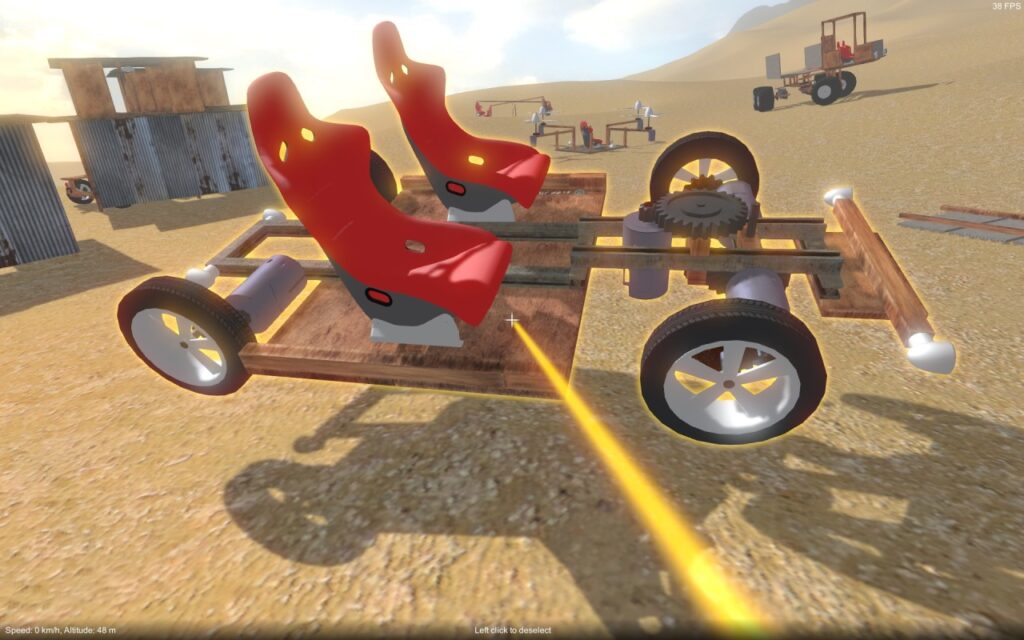
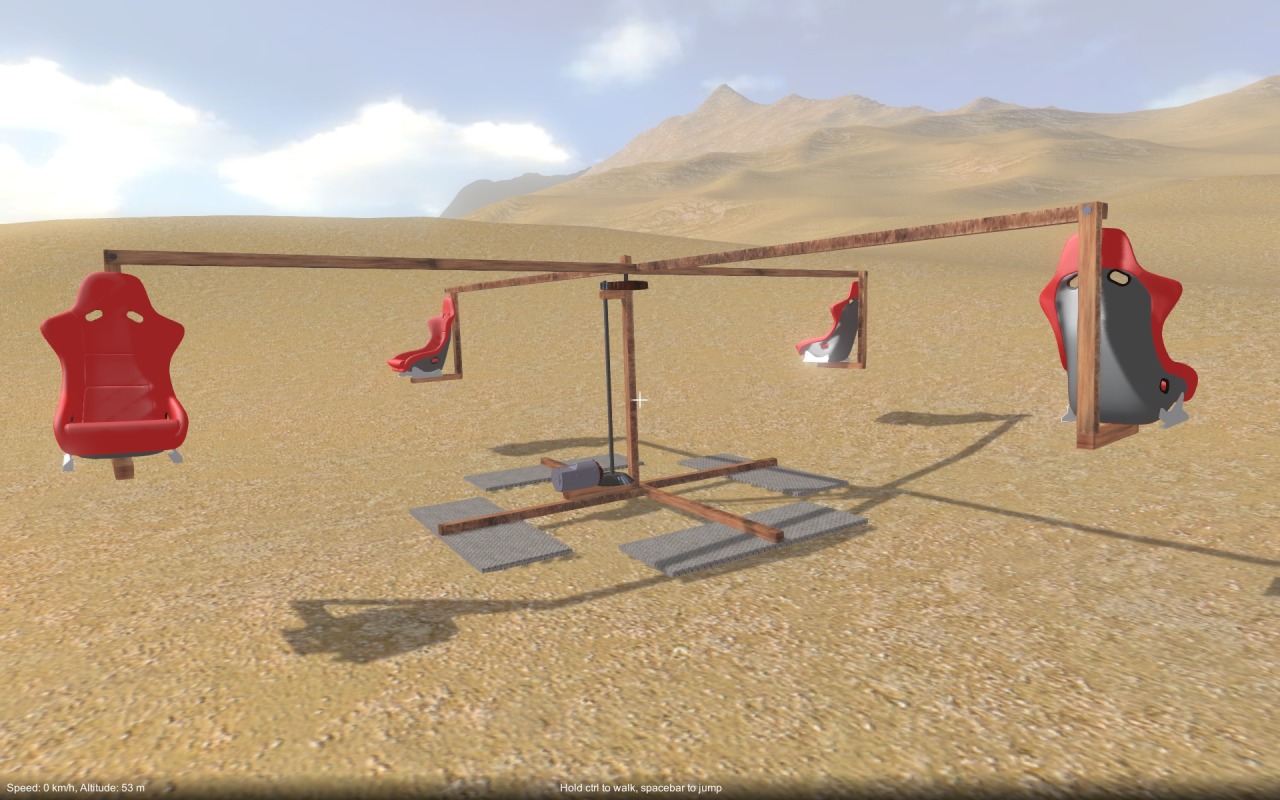
In the first step towards overhauling the building game mechanic to make it easier to use, I have changed the controls a bit. Now, you have to “freeze” a construction before you can attach other parts to it. You do this by holding shift and left clicking, either when highlighting a construction with the cursor, or when a construction is selected (i.e. picked up). In either case, it gets frozen in place (with a blinking highlight to indicate that it’s currently frozen). Shift + left click again will unfreeze, as will selecting it.
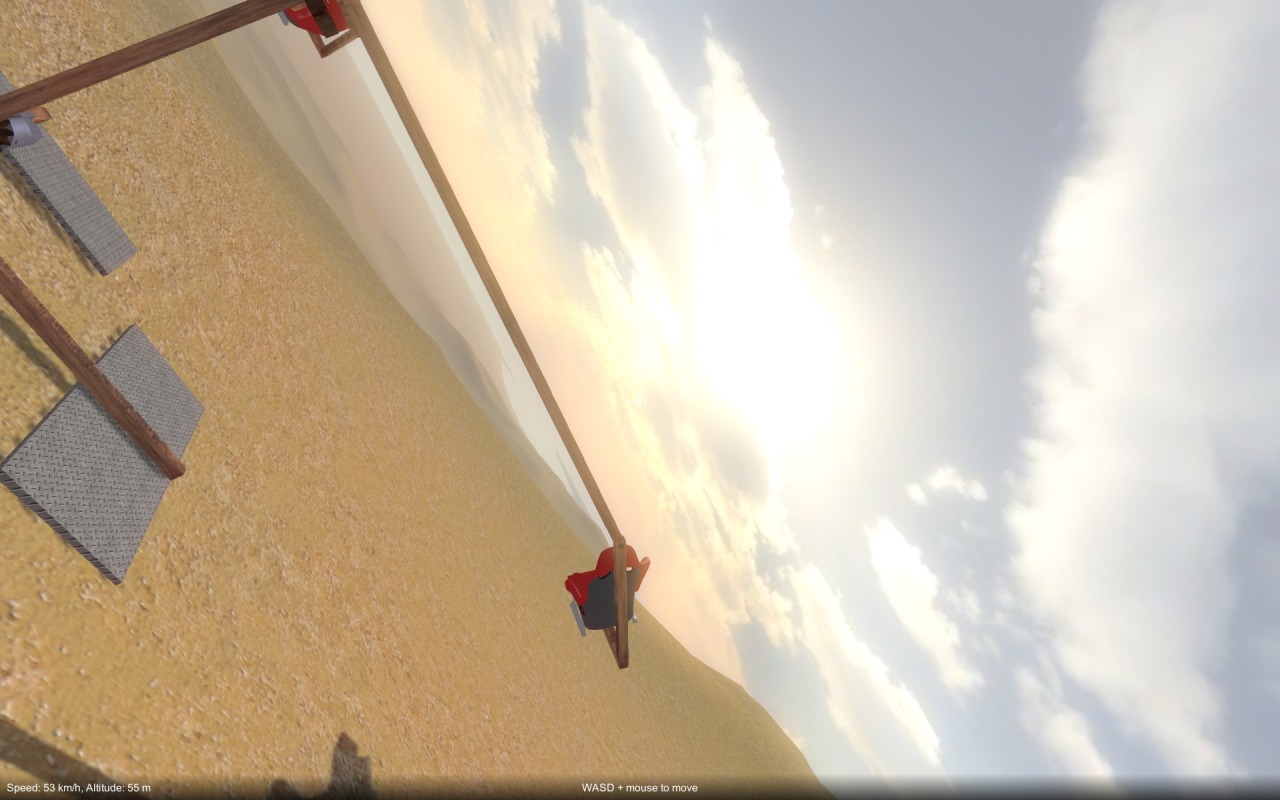
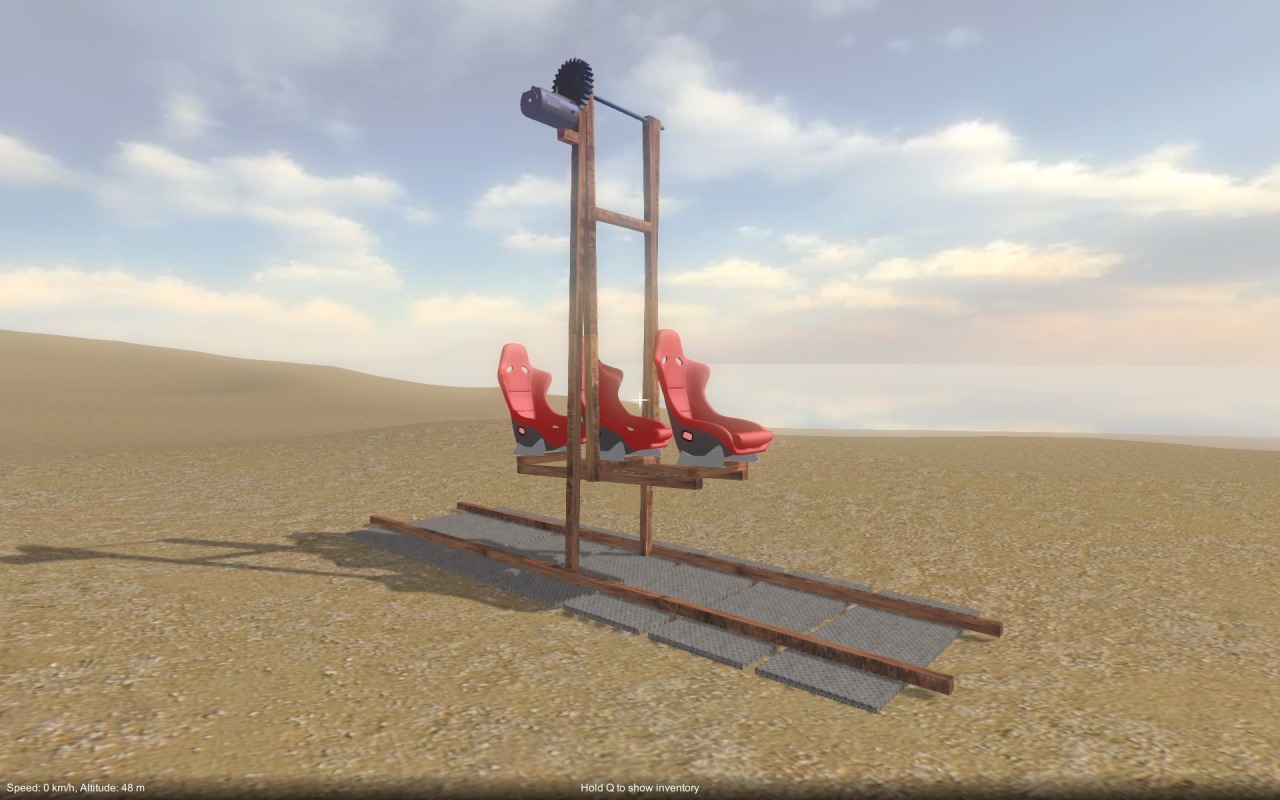
Because you can pick up a construction and then freeze it, it can be frozen in any position & orientation, making it easier to modify less accessible areas, as in this example:-

In addition, when a construction is frozen, any parts that freely rotate with respect to each other (e.g. blocks and axles) are reset to a default orientation that realigns everything within the construction. For example, you can see in the image above moving parts such as the wheels, gears, and steering beam are all aligned at right angles to the rest of the construction.
Right now, the main benefit is that it prevents stuff rolling away while you’re trying to build! However, the plan is that it will also allow me to improve the part snap-to behaviour and make positioning & orientating parts easier. More on this soon hopefully!
Finally, I’m gonna go through the areas that I’m hoping will build on the basic sandbox and actually make it into a game:-
Game modes
I have a couple of ideas for game modes that could build on the core construction experience:-
At the moment I’m not sure if I’ll go with one or both of these options, or maybe something else. As I mentioned before, this is the big design decision that I’ve be wrestling with of late.
Crafting mechanic
If I do go for the survival / explore game mode, a crafting mechanic would need to be added. I’ve only just started digging into this, but this is what I’m thinking so far:-
World / environment
Also required for the survival & exploration mode, are a bunch of improvements to the terrain and environment:-
Well, that’s it for now. I need to continue refining the design / plan further, but I’m hoping this pretty much covers everything I need to consider for the game. Any suggestions or comments are always welcome!
OK, I’ll now try and expand on each of the game areas I outlined in the previous post, first let’s look at the core sandbox stuff:-
Construction mechanic
This is the absolute meat of the game experience, and if it isn’t right, the rest doesn’t really matter. I’m happy with the way you build by putting parts together in the first person view, I do think it feels natural and intuitive. So I’m definitely going to stay with this approach, but there are many problems with it currently, such as (among others):-
My plan is to scrap the current implementation which uses contact points calculated when the player touches one part to another to determine attachment positioning and orientation. Instead, I think I’ll use the contacts only initially to determine which two parts to consider for attachment and then switch over to a different control scheme to actually position the part. The details of this I still need to work out.
Player controls and behaviour
This area considers all aspects of the player interaction other than the core construction mechanic. As such it is secondary to the construction mechanic, but still very important. Specifically, we’re talking about the following:-
Networked multi-player
Although you could certainly conceive of a single-player only construction game, I consider networked multi-player to be key to the basic sandbox experience because this type of game is so ideally suited to player collaboration and competition. An open world game without linear goals or story led game-play really benefits from multi-player I think, where the players can essentially create their own stories within the game. The main things left to do are client side prediction for player position, and improvements to reduce network bandwidth (as I discussed in a previous post). I also need to make a dedicated server build as I’m thinking rented servers are the way to go to allow for larger numbers of players. There’s also other minor stuff to do including having better player animations, and an improved chat interface.
Construction parts
This area covers the implementation of all the different types of parts you can build with, along with their behaviours. There are some improvements and bug fixes that need to be made to the existing parts, but mainly I just need to add more part types to expand the scope of what you can build. The good thing is that I don’t need to add all of these right away, I can keep adding them throughout the lifetime of the game. My hope is to eventually open up the game for modding so that players can add their own parts too.
If I can get all this done, I should end up with a really solid multi-player sandbox experience, but it still won’t truly be a game. This is were the other areas come in, next up in part 3…
Recently I have been thinking a lot about where to take this game. There are many things that need attention, primarily the construction mechanic, but also the player controls, networking etc. However, the main problem I’ve been wrestling with for a while now is how to take this sandbox “toy” and turn it into an actual game with purpose and progression that compels you to keep playing. Right now you can construct whatever you want but there is no direction, or reason to keep building stuff. One of the key motivations I had from the very start was to make an experience that was as open as possible, allowing players to be totally creative, and not constraining them to only be able to build certain things. The problem with this openness is that it’s difficult to directly measure the players progress, or to even define what it means to progress through the game.
In order to get some traction on all of this, I have attempted to break the game up into the several broad areas, and list out what would be required for each of them.
The first few areas are crucial to the core sandbox experience, it doesn’t matter what else gets layered on top, these fundamentals have to be right regardless:-
Then I can look at layering on stuff that would turn the sandbox experience into a fully fledged game:-
In the next post(s) I’ll expand on each of these areas in turn, coming very soon!
Networking bandwidth – Gonna need a bigger pipe
Not much has changed recently that is directly visible in game, instead I have been doing a lot of work under the hood to improve networked multi-player. Primarily to reduce bandwidth, but also to make things a bit smoother on the client side during packet loss situations and so on. There is still much more to do however. For example, I don’t yet have client-side prediction for the locally controlled player working in a way that I’m happy with. Also, I need to implement network culling so that clients only receive data for objects that are near them in the world. Anything I can do to reduce bandwidth is a must. I may end up having to bypass Unity’s networking altogether, as it just doesn’t give you direct control down to the byte level over what gets sent, and there seems to be a large overhead per networkview state sync, and per RPC call.
This whole effort was to help me evaluate if networked multi-player is even viable for a game like mine with a large number of dynamic objects, and whether my current server-authoritative model is the best fit. This has a huge impact on the game design as a whole, so is important to figure out.
As it stands right now, each client sends roughly 1000 bytes / sec of controller input to the server, and receives about 1000 bytes / sec per player connected (including themselves of course) for position, animation state and so on. Add to this up to 1000 bytes / sec received per currently moving rigidbody in the game (i.e. a single solid construction – a construction made of two things jointed together counts as two rigidbodies). You can see it soon starts to add up.
Things are even worse for the server – it has incoming input data from every client, and has to send out object states to each client. Assuming 16 players with 100 moving rigidbodies, that’s 16 * (16 +100) * 1000 = ~1.8Mb / sec outgoing bandwidth for the server! The actual data I’m sending per rigidbody should only add up to 780 bytes / sec, so the per networkview overhead clearly isn’t helping here, but even assuming this can be solved, it would still come out to ~1.4Mb / sec in the 16 player example.
Some of my options are:-
Option 1 will help the general case, and definitely should be done, but it won’t help the worst case where every rigidbody happens to be a separate construction. The second two options aren’t particularly appealing, but may be a necessity. Option 4 would be a lot of work to implement, and has a big impact on game design because it is completely open to cheating and only really makes sense for co-operative play.
I need to do some tests with similar games such as Garry’s Mod (based on the source engine, which I know is using basically the same networking model as I am right now), to see how I stack up in comparison, bandwidth-wise. Regardless I think for now I’m going to stick with the current server-authoritative model, and assume a small number of players. Maybe in the future if this game takes off and the effort of implementing an authority switching model for co-operative play makes sense, I’ll do that, but that would be a way off I think.