Construction controls update

Over the last couple of weeks, I’ve made a couple of changes to the controls:-

  • After parts have been attached together, you can now cycle their attachments between available types (e.g. rigid or hinge), by hovering over attachments and pressing E.
  • Cloning and deleting entire constructions is now done via a separate menu (accessed by holding Shift + Q).

More rendering improvements and other fixes

Also now in the build:-

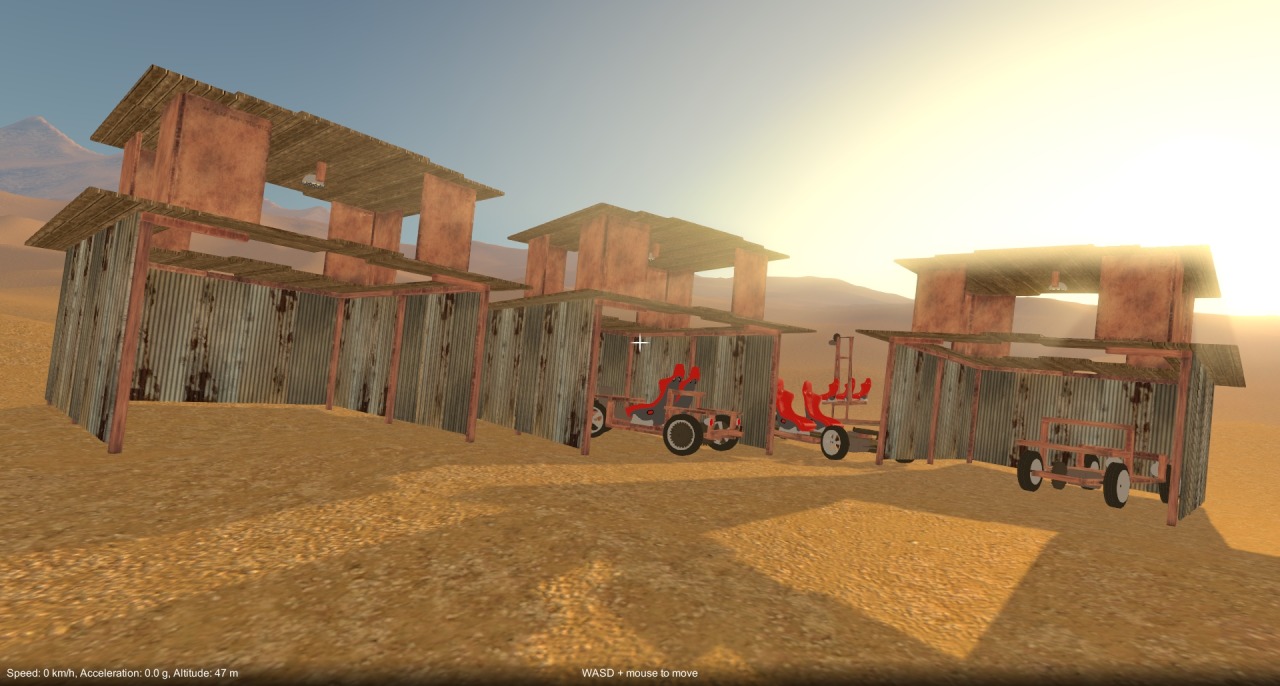
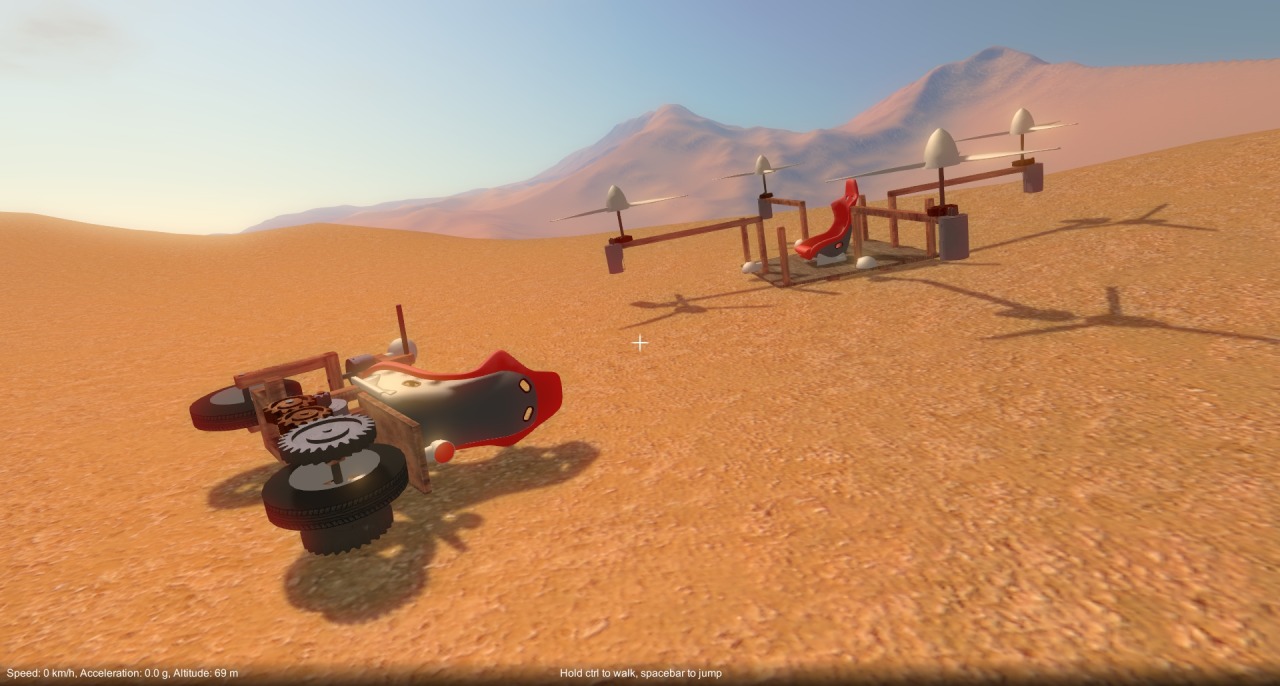
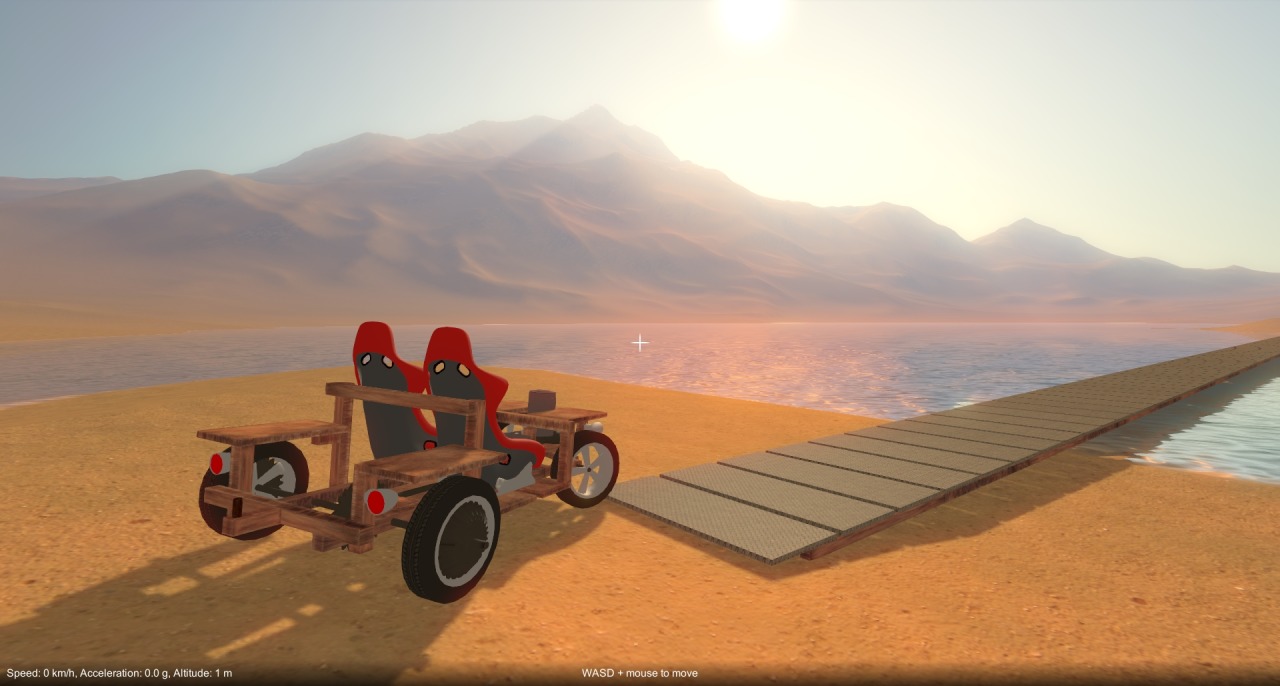
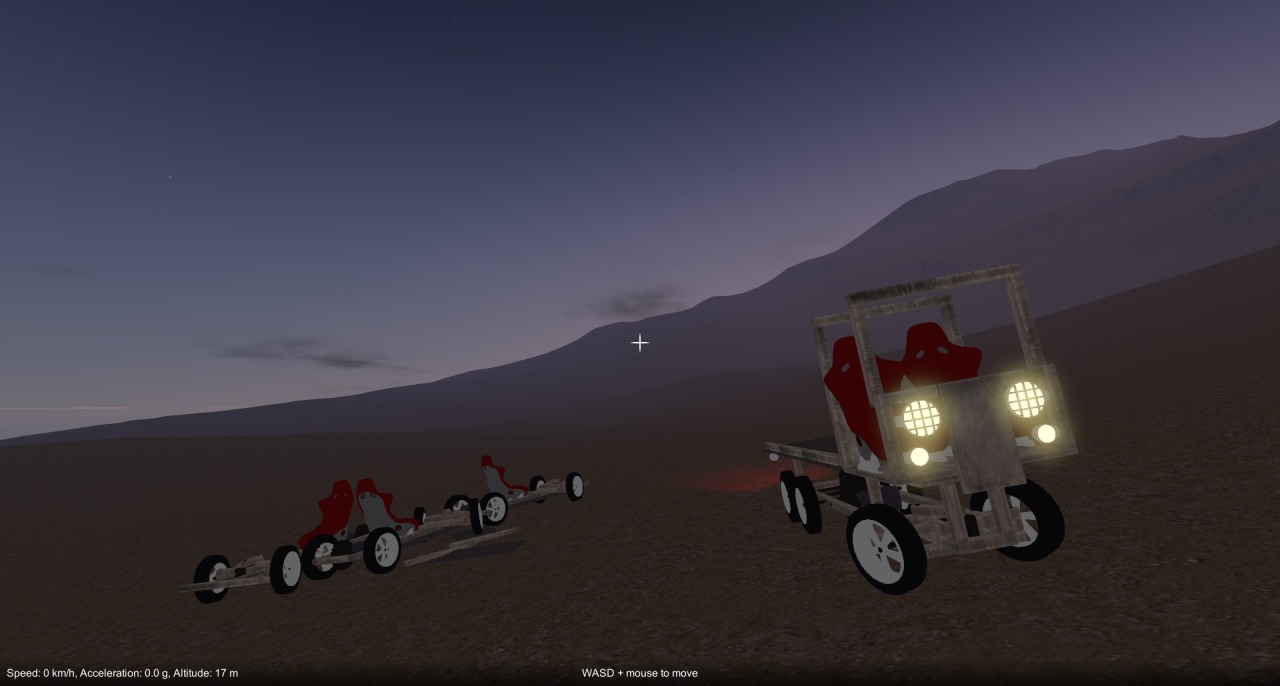
  • A load more rendering improvements following on from the previous overhaul.  The main difference being that the sky and distant water are now rendered before everything else, using another separate camera with a much larger far clip distance.  This prevents the horizon line from being clipped out.
  • Time-of-Day upgrade.
  • Reference grid in inventory part preview images.
  • Force zones now slow down objects at world boundaries.
  • A bunch of bug fixes.

Playable build – updated

Playable build – updated

Playable build – updated

Playable build – updated

Alignment indicators

When aligning a selected part to another (frozen) part, prior to attachment, the game now shows where the available attachment points are.  These indicators reflect the type of attachment, either “surface” (e.g. as in block to block) or “interior” (e.g. as in block to axle).  The idea is that this should make it easier to accurately position parts where you want them.

Other stuff

In order to implement the alignment indicators I had to refactor a bunch of code, one side effect of which was that I was able to slightly reduce the per-rigidbody network data by calculating more stuff on the client side.  I also fixed a bug in explore mode, that was causing parts to not spawn.

Playable build – updated

Playable build – updated

Playable build – updated controls

Playable build – updated controls

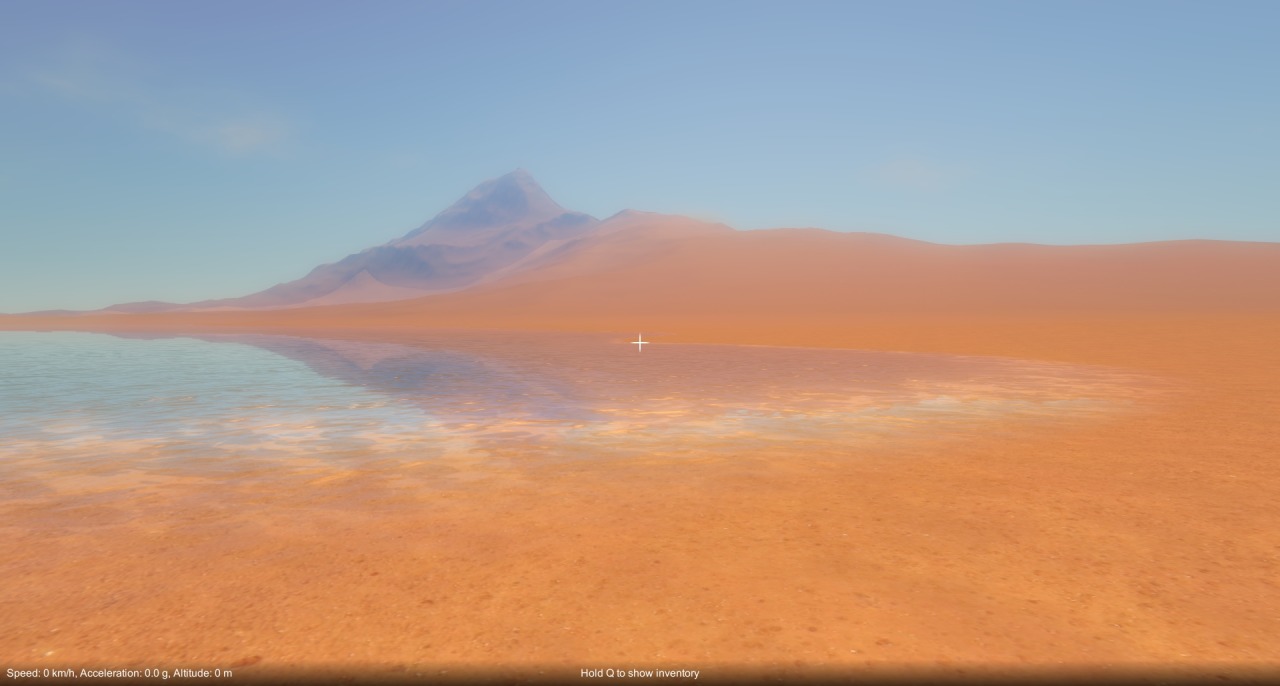
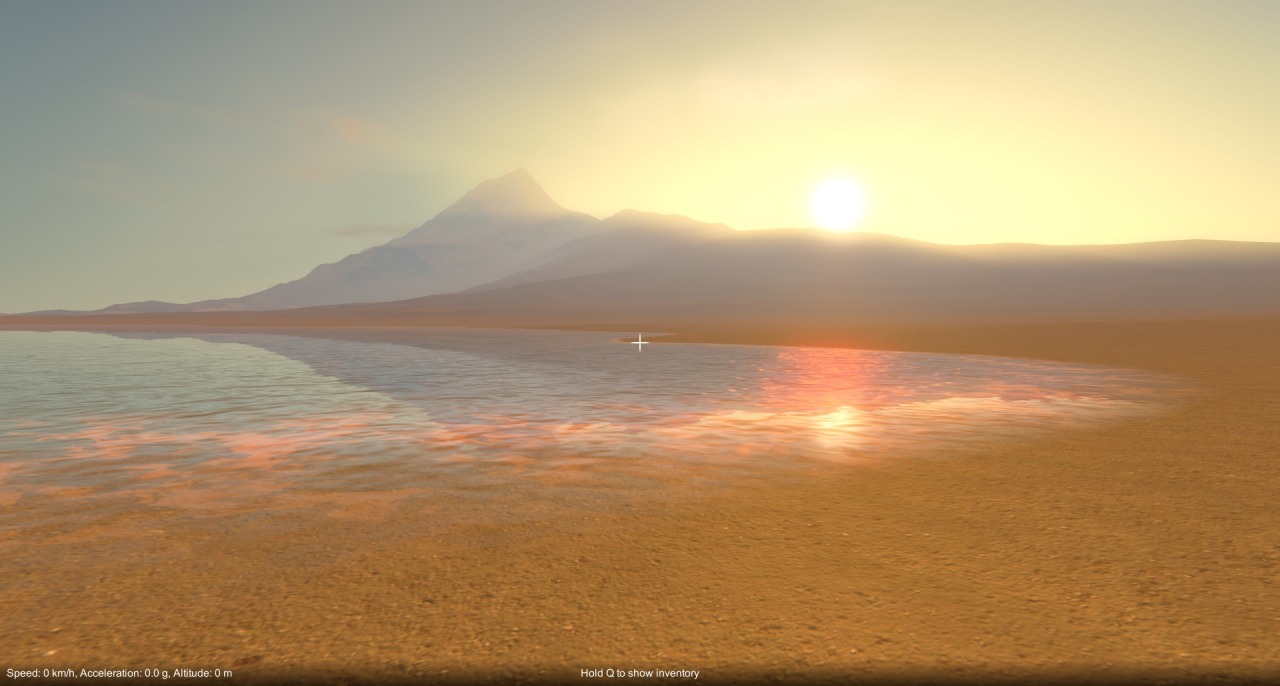
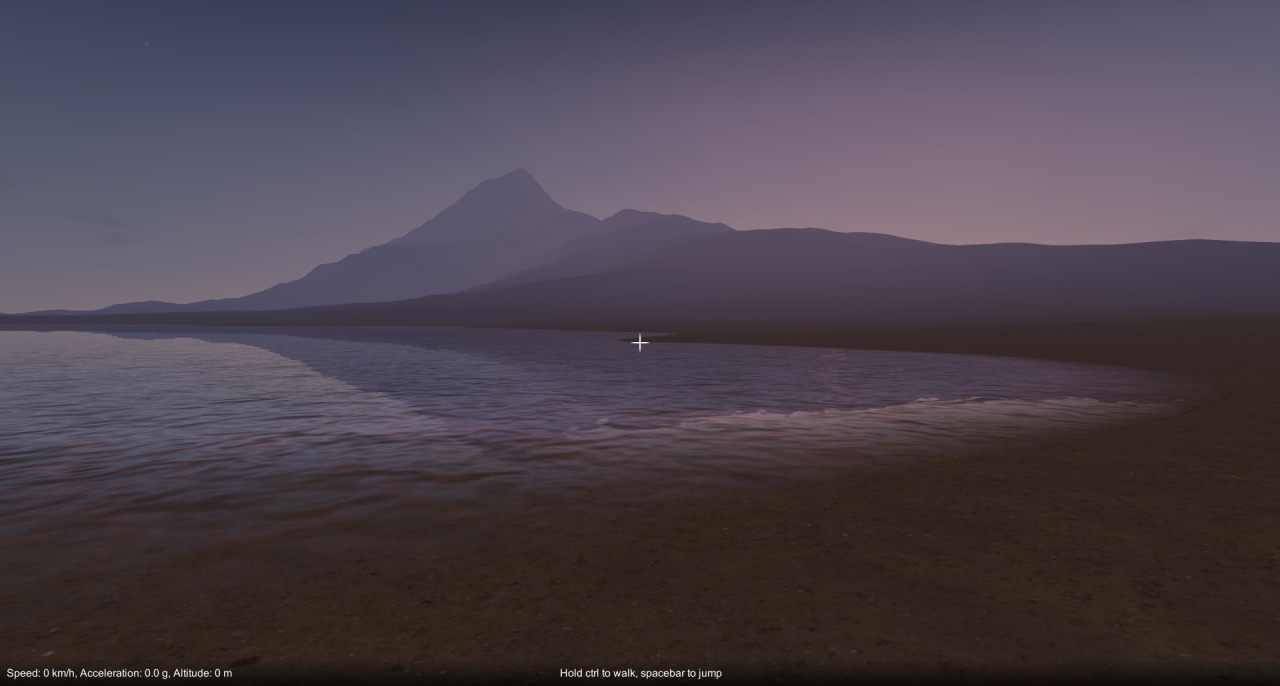
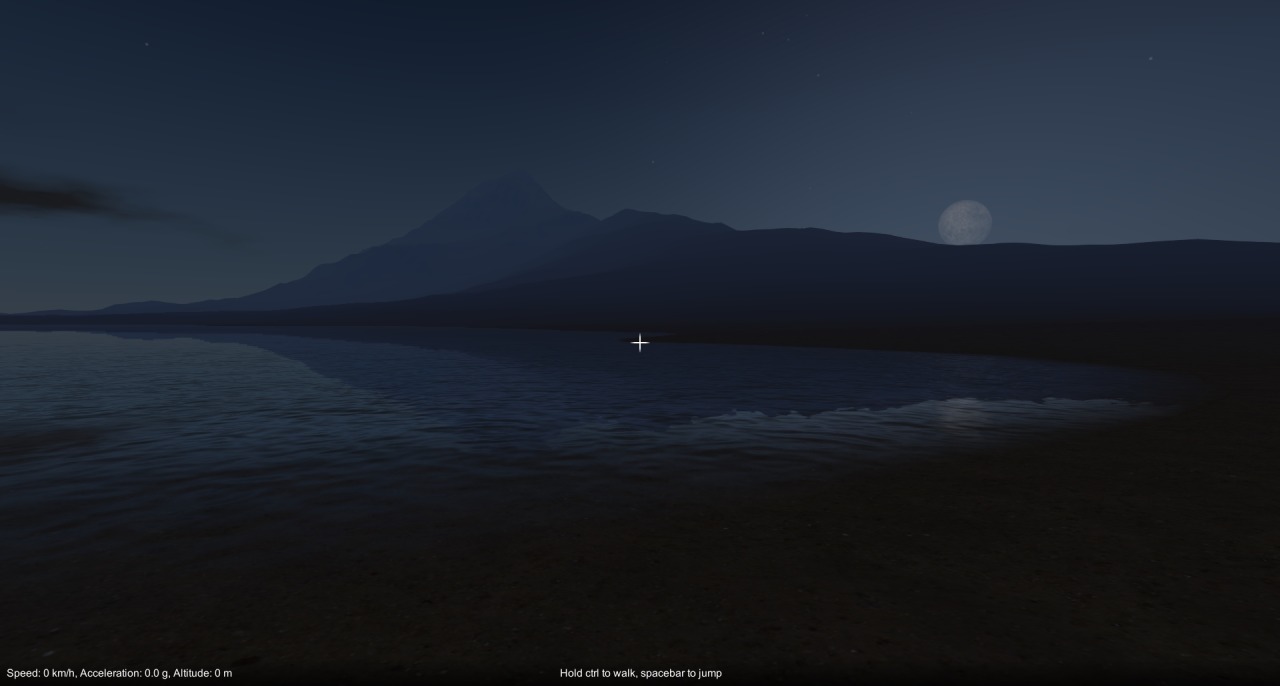
New time-of-day / sky system in game

I felt like I needed a change after being bogged down with the construction mechanic and physics issues for so long, so I decided to do some rendering stuff over the last week or so.  As of the latest build, I have integrated Mod Monkeys’ fantastic Time of Day system (available on the Unity asset store: http://u3d.as/4fg) into the game.  It implements atmospheric scattering, dynamic time-of-day, clouds, weather etc. and is really nicely done, a quality asset.  It wasn’t quite a straight drop in for me, as I had to apply the scattering to my terrain shaders and make a couple of minor mods, but overall it was very easy to integrate.  So far I have the time of day changing as you play, but the weather doesn’t do anything yet, I’ll have to look at hooking that up later.

Next up for me is back to the construction mechanic.  Still no word on that Unity collision bug…

Non-collision bug update

I’ve been away on vacation for a couple of weeks, but after getting back I’ve been looking further into that non-collision bug. After some further investigation, it turned out that not only was my “on collision stay” callback not being called, but collisions between the parts were not happening altogether. I also managed to reproduce the issue in the editor as well as standalone / web-player builds.

I haven’t found a work around yet (not sure if I even can), but I put together a special cut down version of my game project and sent it off to Unity to help them reproduce the bug. In the meantime, the game is still broken unfortunately, the only way to get around the issue is by removing and re-adding parts to your construction until Unity physics corrects itself. I hope the Unity devs can fix this issue soon, but I guess we’ll just have to wait and see!